
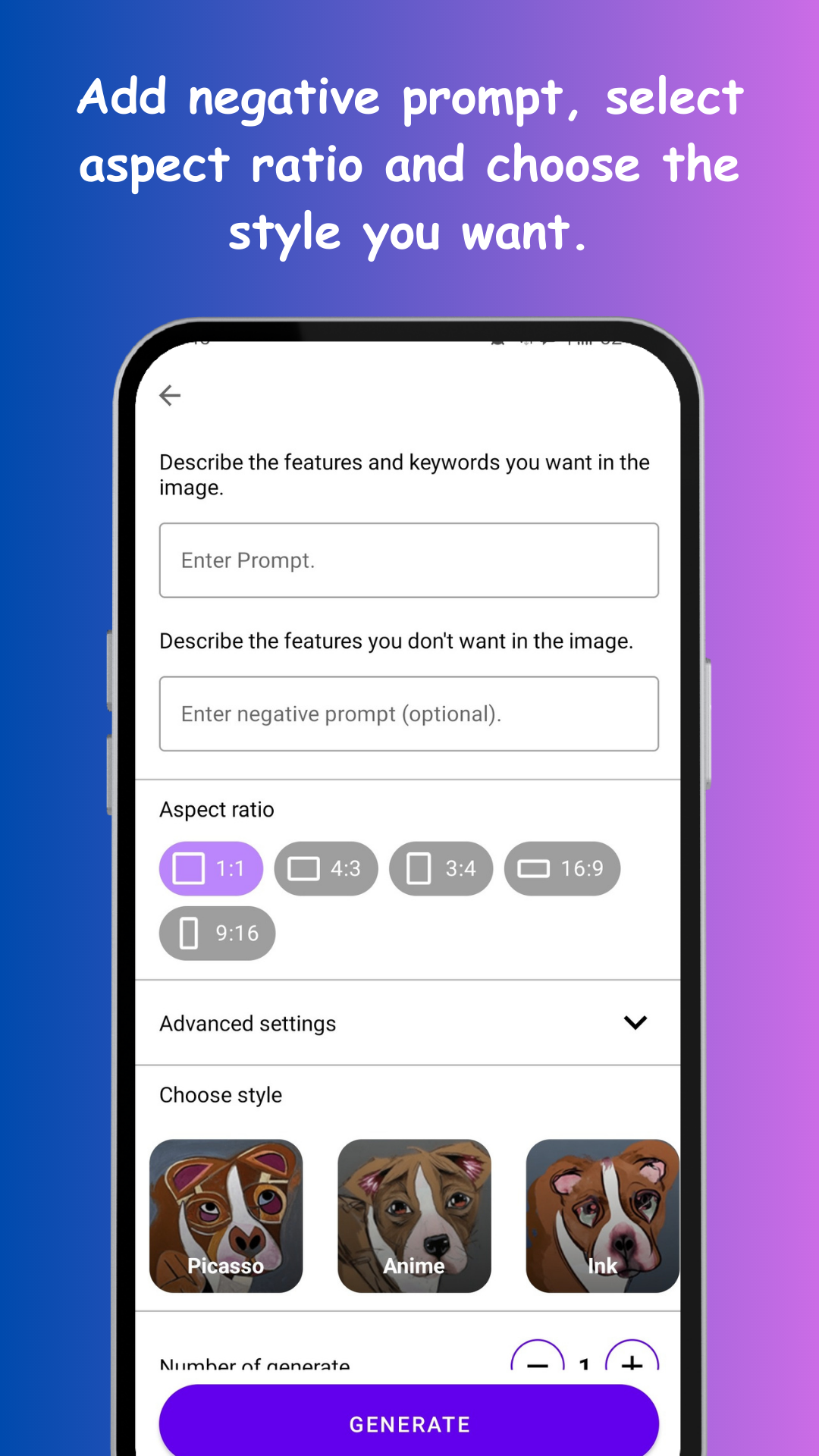
Open Pixasso, and instead of "a dog", give the model one full thought: "golden retriever puppy in autumn leaves, warm sunlight, shallow depth of field". Subject, setting, light — three ingredients, one sentence. Pick an aspect ratio (square for avatars, tall for wallpapers, wide for banners) and generate a batch so you can choose between variations.
How to create AI art from text on Android
Text-to-image sounds like magic and works like a skill: the model paints exactly what you describe, no more, no less. Which means the real instrument is the sentence you type. Here's how to play it.
01Your first generation
02The anatomy of a working prompt
Strong prompts tend to stack the same four layers:
- Subject: who or what, with specifics — "an old fisherman with a white beard"
- Setting: where and when — "on a misty pier at dawn"
- Style: the rendering — "watercolor", "cinematic photo", "flat cartoon"
- Mood/light: "golden hour", "dramatic shadows", "pastel calm"
03Iterate like it's free — because it is
The first result is a draft, not a verdict. Keep the prompt and change one layer at a time: same scene as an oil painting, then as a photo, then at night. Batch generation accelerates this — four takes per run, keep the best, fold what you liked about it back into the words. Most "wow" images are the fifth generation, not the first.
04Where your art ends up
Generated images download to your gallery, ready to become wallpapers, social posts, D&D characters, party invitations, YouTube thumbnails or a poster for the wall. Tall ratio + your phone's resolution makes custom wallpapers a two-minute craft — the gateway drug of AI art.