
The model reads your photo's subject and composition, so feed it clarity: one clear subject, decent light, minimal clutter. Sharp portraits and pet close-ups transform best; busy group shots and dim interiors lose identity in translation. If the photo would make a decent print as-is, it will make great art.
How to turn a photo into AI art
Your camera roll is full of raw material: the portrait that almost worked, the pet photo you love, the holiday view everyone shoots. Photo-to-art keeps what those images mean and re-imagines how they look.
01Pick a photo the AI can honor
02Describe the destination style
Upload the photo, then prompt the transformation like any generation — the words steer where the image lands: "watercolor portrait, loose brushwork", "retro comic panel, halftone dots", "renaissance oil painting". Generate a batch per style and compare; the same photo yields wildly different art directions.
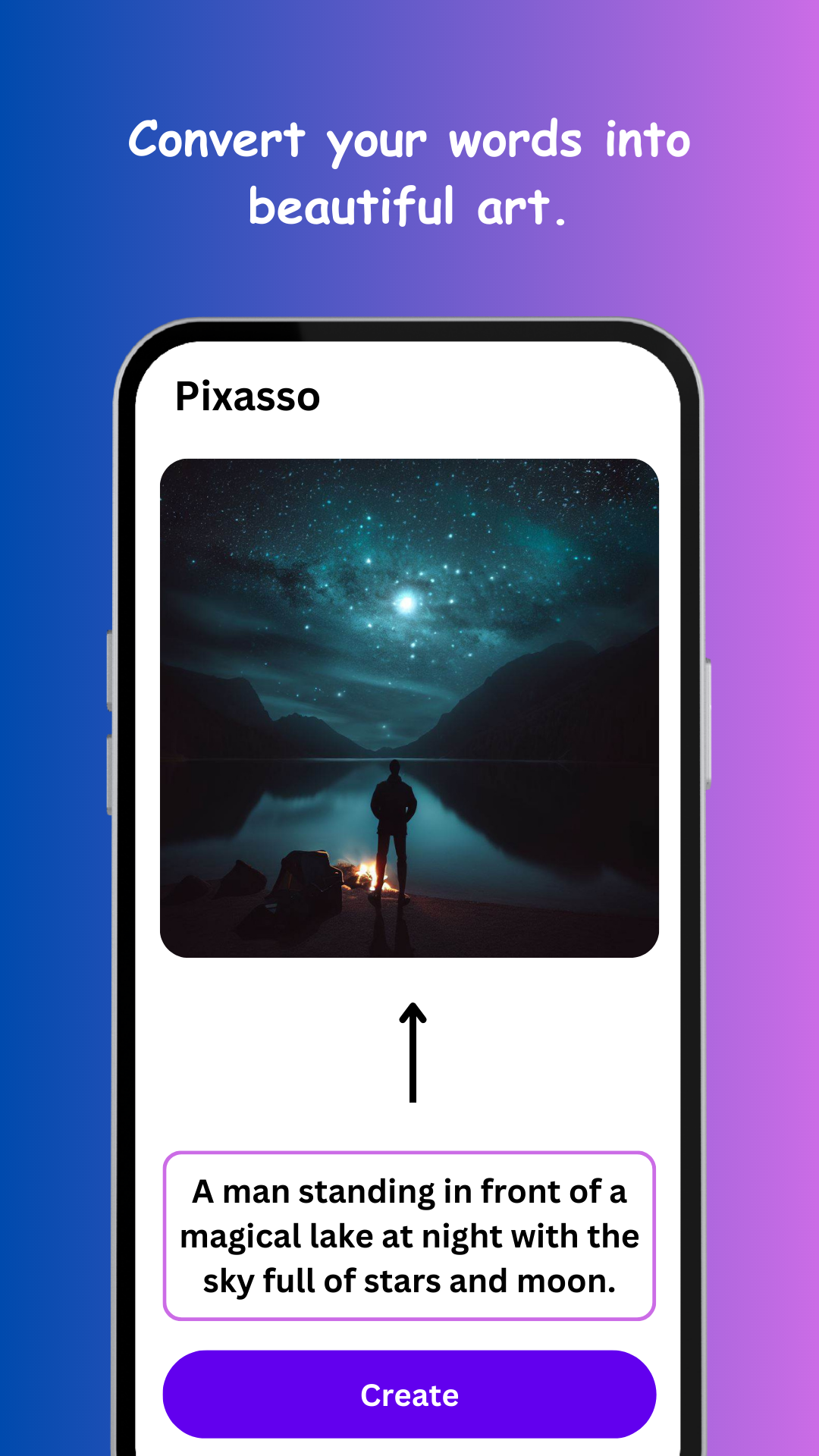
03Balancing likeness and style
Photo-to-art creates new artwork inspired by your image — not a filter over it. Strong styles (cubism, abstract) trade away likeness for character; gentler ones (watercolor, colored pencil) keep faces recognizable. If a result drifts too far, re-run with the style words softened, and use the negative prompt to pin down failure modes — "deformed face" does honest work here.
04The gift-and-wall-art move
This is the feature's superpower: a painted version of someone's dog, their childhood home, the café where they got engaged — printed and framed — reads as commissioned art, took ten minutes, and can't be bought in a store. Square ratio prints cleanly; generate a batch and let the recipient's taste (or yours) pick the keeper.