
Under Settings → Privacy you can restrict who sees your last seen and online. Two catches: it's reciprocal (hide yours, lose everyone else's), and "online" still shows to your contacts in some configurations the moment the app is open in the foreground. The setting hides history; it doesn't make you invisible.
How to hide your last seen and still read messages
"Online." "Last seen today at 23:41." Your availability is broadcast to everyone with your number — and people draw conclusions from it. Here's how to go dark without going silent.
01What WhatsApp's own settings do
02The core problem: reading requires opening
Every trick fails at the same point — to actually read a conversation you open the app, and opening the app is what flips you "online". The only clean fix is reading somewhere else entirely.
03Read in Unseen, stay offline everywhere
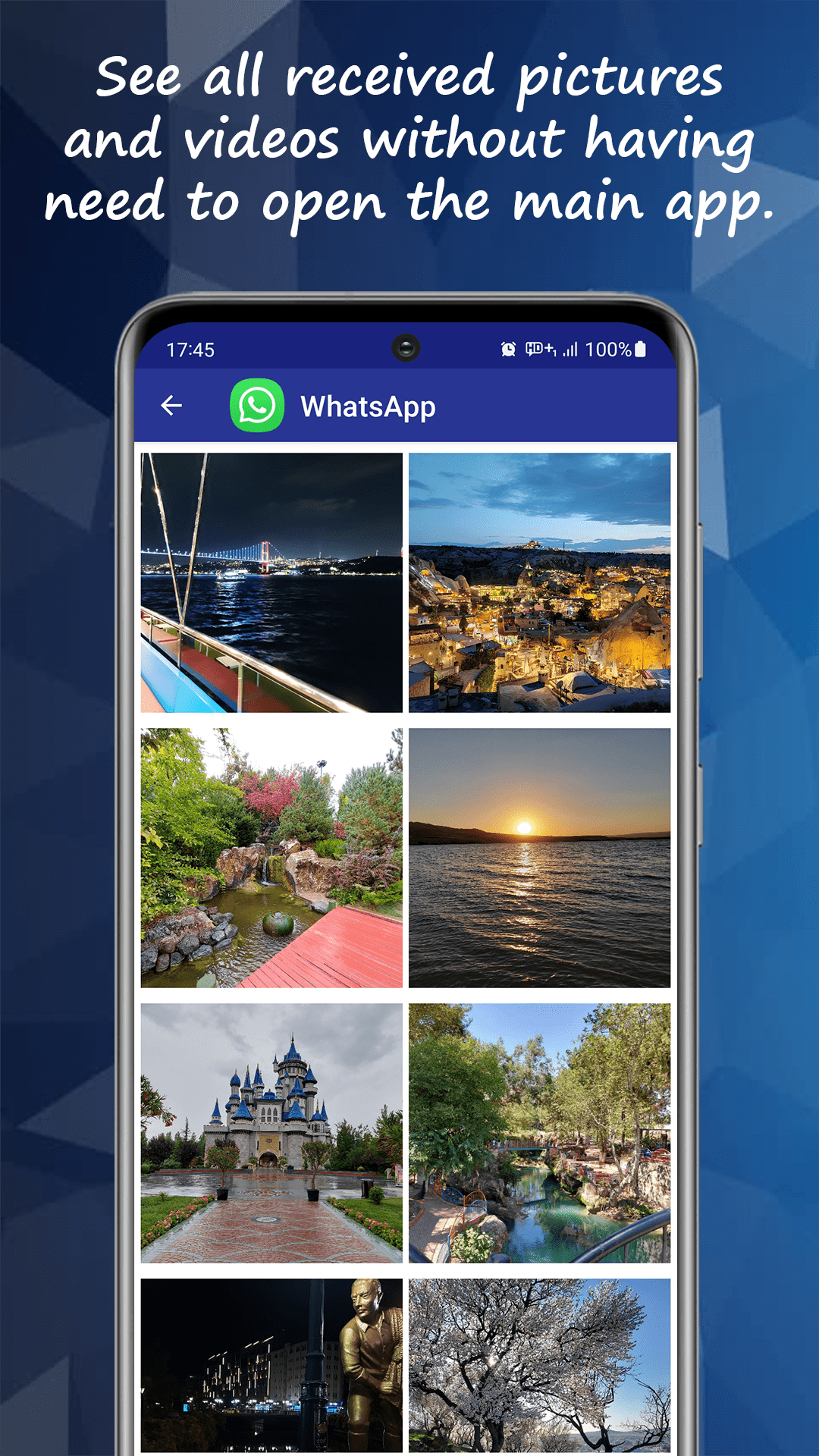
Unseen saves incoming messages into its own inbox as they arrive. You read there — full conversations, photos, voice notes — while the chat app stays closed. No "online", no last-seen update, no blue ticks, and nothing reciprocal traded away: you still see everything about everyone else.
04Reading on your own schedule
The practical payoff is control. Check messages in a meeting without signalling availability, screen a conversation before deciding to engage, read late at night without "last seen 03:12" starting a conversation of its own. Reply whenever you're ready — that's the only moment you'll ever appear.
Related questions
Unseen is an independent app and is not affiliated with, endorsed by, or sponsored by WhatsApp, Instagram, Facebook, Meta, Telegram, or any other messaging or social media service. WhatsApp is a trademark of WhatsApp LLC; all other product names, logos and brands are the property of their respective owners and are referenced here for descriptive, compatibility purposes only.