
- Notification shade: free and instant, but long messages get cut off and media doesn't show
- Airplane mode: read the chat offline, but ticks appear as soon as you reconnect with the chat open — easy to get wrong
- Home-screen widget: reads without opening the app, but clunky for conversations
- Disable read receipts: works, but it's mutual — you lose seeing others' ticks, and it doesn't hide your online/last-seen status
How to read WhatsApp messages without the sender knowing
Blue ticks create pressure: the moment they appear, a reply is expected. Every workaround trades away something — this guide walks through the classic tricks, where each one falls short, and the method that removes the compromise.
01The built-in tricks (and their limits)
02The no-compromise method
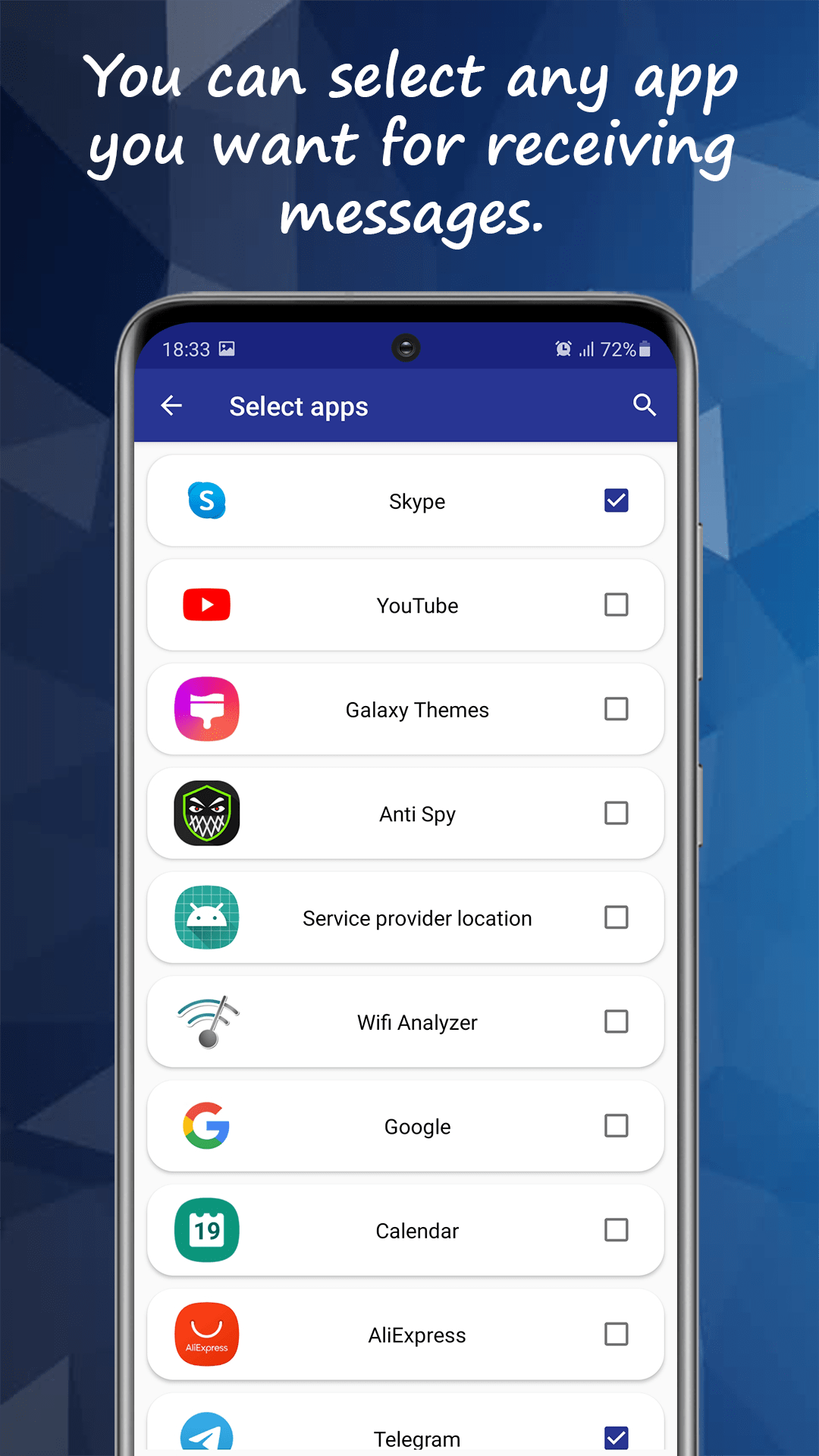
Unseen takes a different approach: it captures each incoming message from the notification the moment it arrives and stores it in its own inbox. You read everything there — full text, photos, videos, voice messages — while the original chat stays untouched and unread.
03What you keep that others lose
Because messages are saved on arrival, Unseen keeps working where the tricks fail: messages deleted by the sender remain readable, edited messages show their original text, and your last seen never updates because you never go online. Group chats — where disabling read receipts doesn't even apply — work the same way.
04When to just open the chat
One honest caveat: replying still requires the real app, and the moment you open the conversation there, ticks fire normally. Unseen is for the reading side — triage on your schedule, see what was sent before deciding to engage, and reply when you choose to be seen.
Related questions
Unseen is an independent app and is not affiliated with, endorsed by, or sponsored by WhatsApp, Instagram, Facebook, Meta, Telegram, or any other messaging or social media service. WhatsApp is a trademark of WhatsApp LLC; all other product names, logos and brands are the property of their respective owners and are referenced here for descriptive, compatibility purposes only.