
Flashlight: Volume button LED
Volume-button torch · SOS Morse code · Screen light
Fumbling for a flashlight tile in the dark defeats the point. Press both volume buttons — light. Even with the screen off.
★ 3.7 rating 490 reviews 50K+ downloads Everyone rated

Free download · Works screen-off · Front LED & screen light supported
SCREENSHOTS
See it in action
HOW IT WORKS
Light in three steps
Install & allow the shortcut
Download free from Google Play and enable the volume-button service once. That's the whole setup.
Press both volume buttons
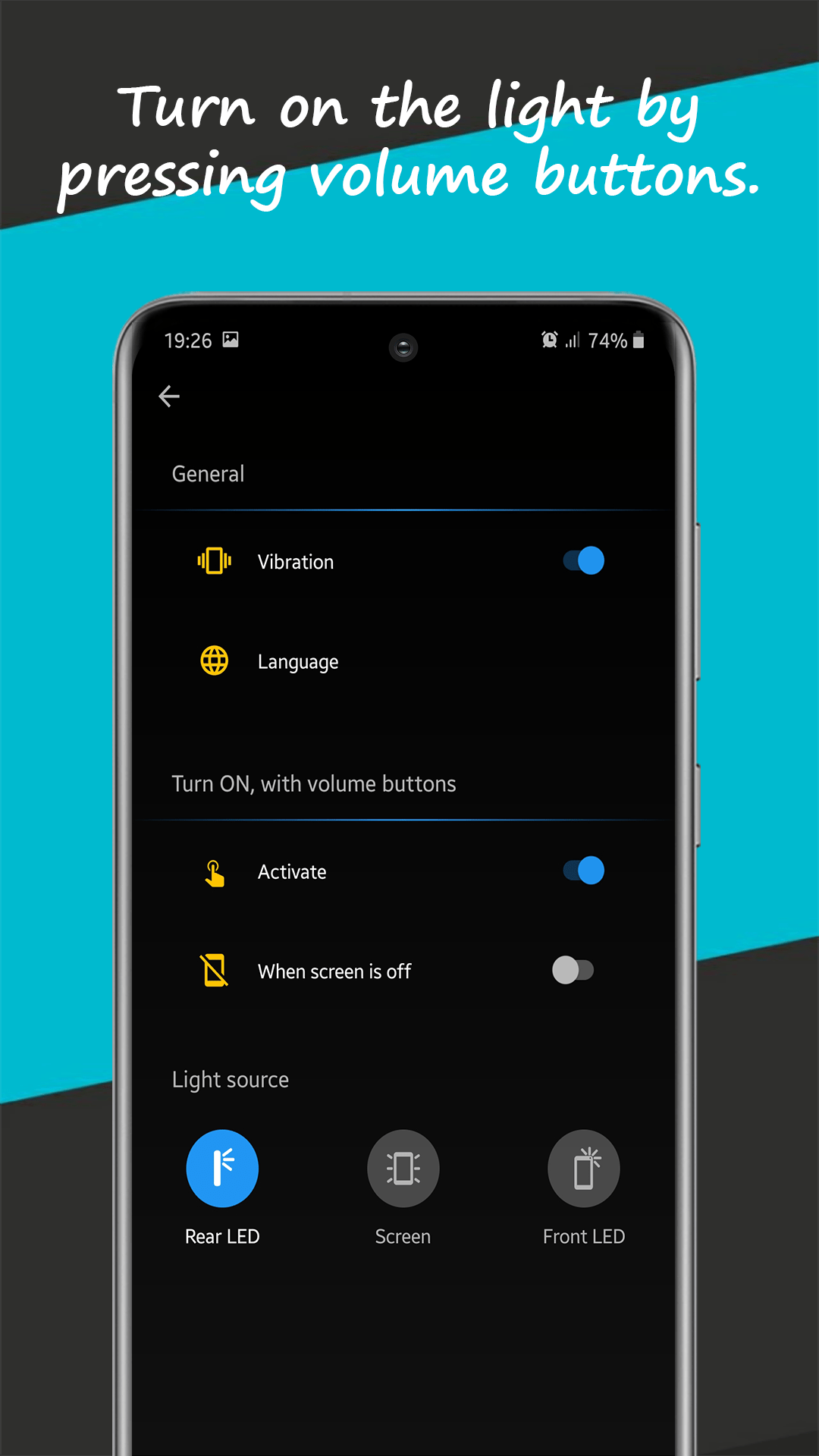
Squeeze both volume keys at the same time — the torch turns on instantly, even if the screen is off or the app is closed.
Explore the toolbox
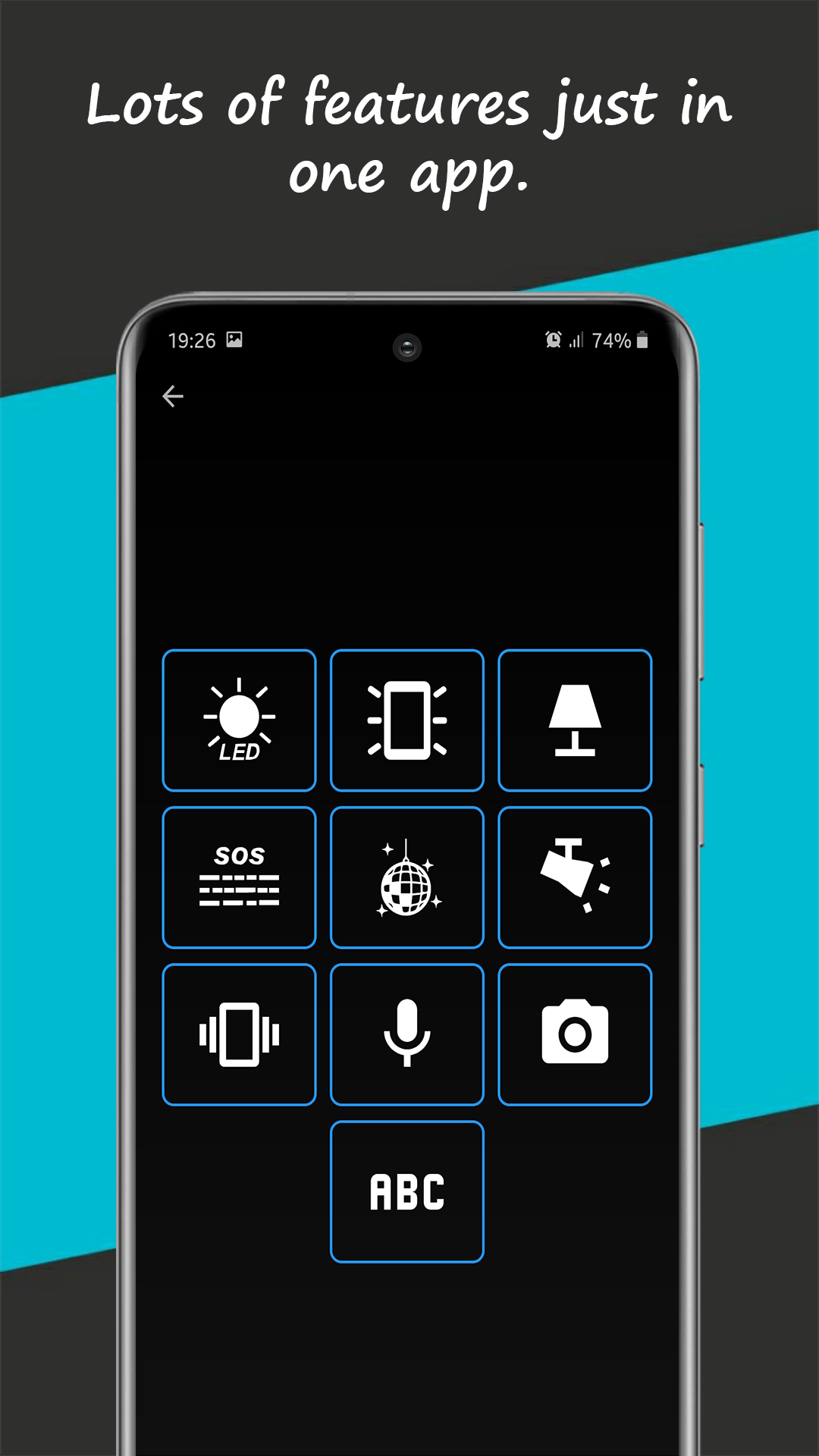
SOS Morse code, disco and beat-synced lights, screen light, magnifier with flash, LED text board, night light with timer — all inside.
Volume-button flash
Both volume keys turn on the light — screen off, app closed, anytime.
SOS Morse code
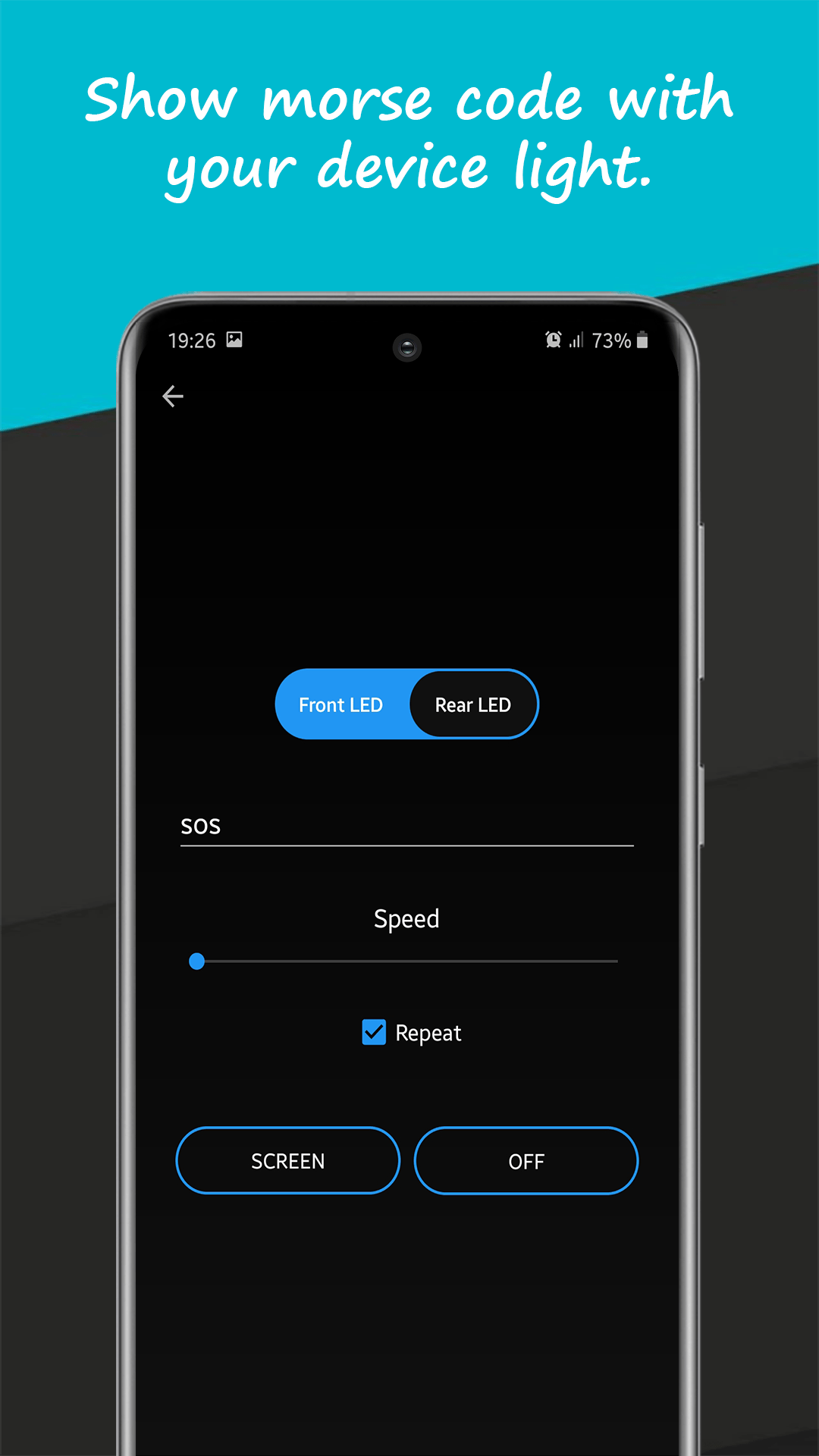
Flash emergency Morse signals with the LED or screen.
Screen light
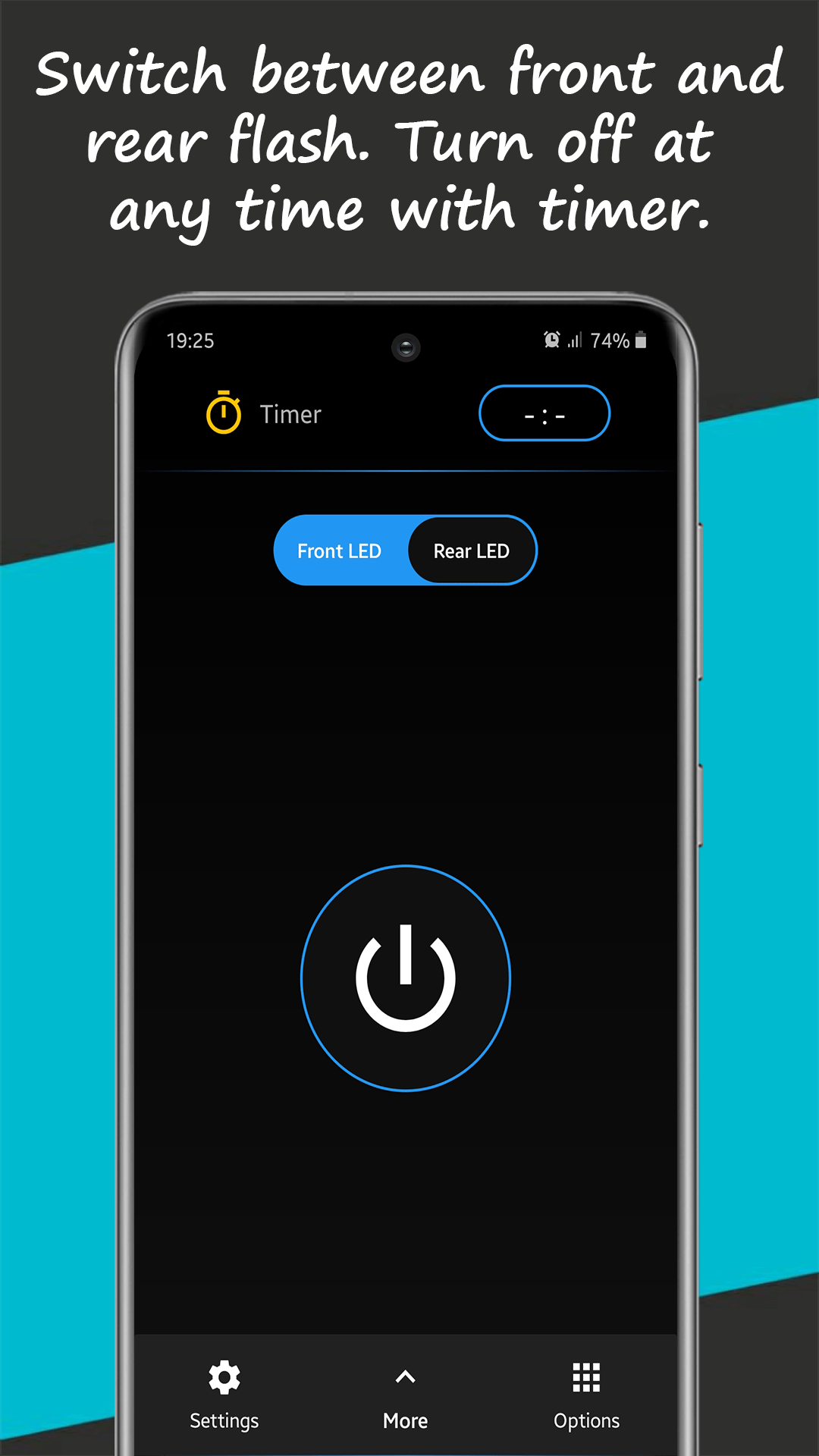
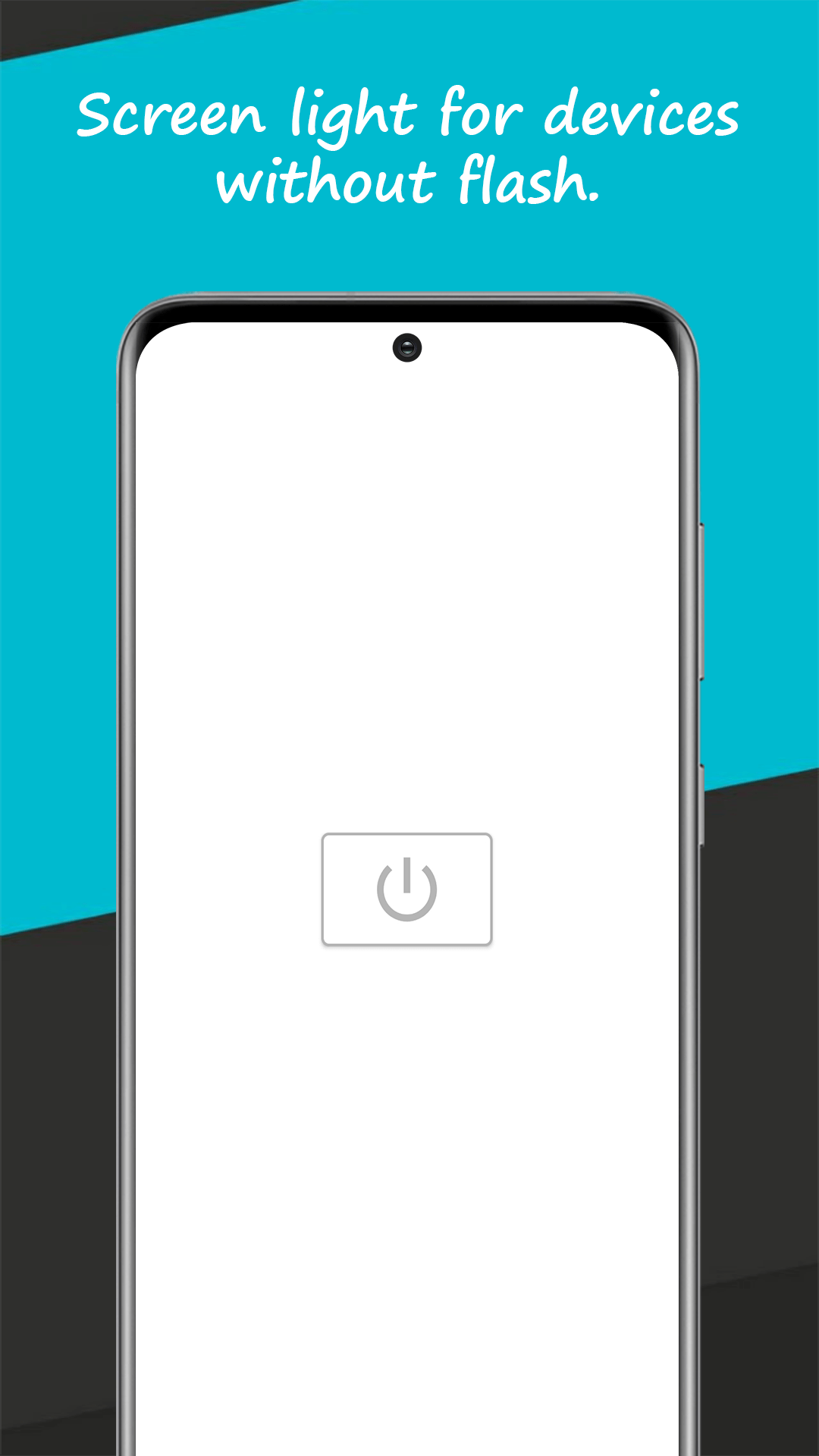
A bright screen torch for phones without an LED flash.
Disco & beat sync
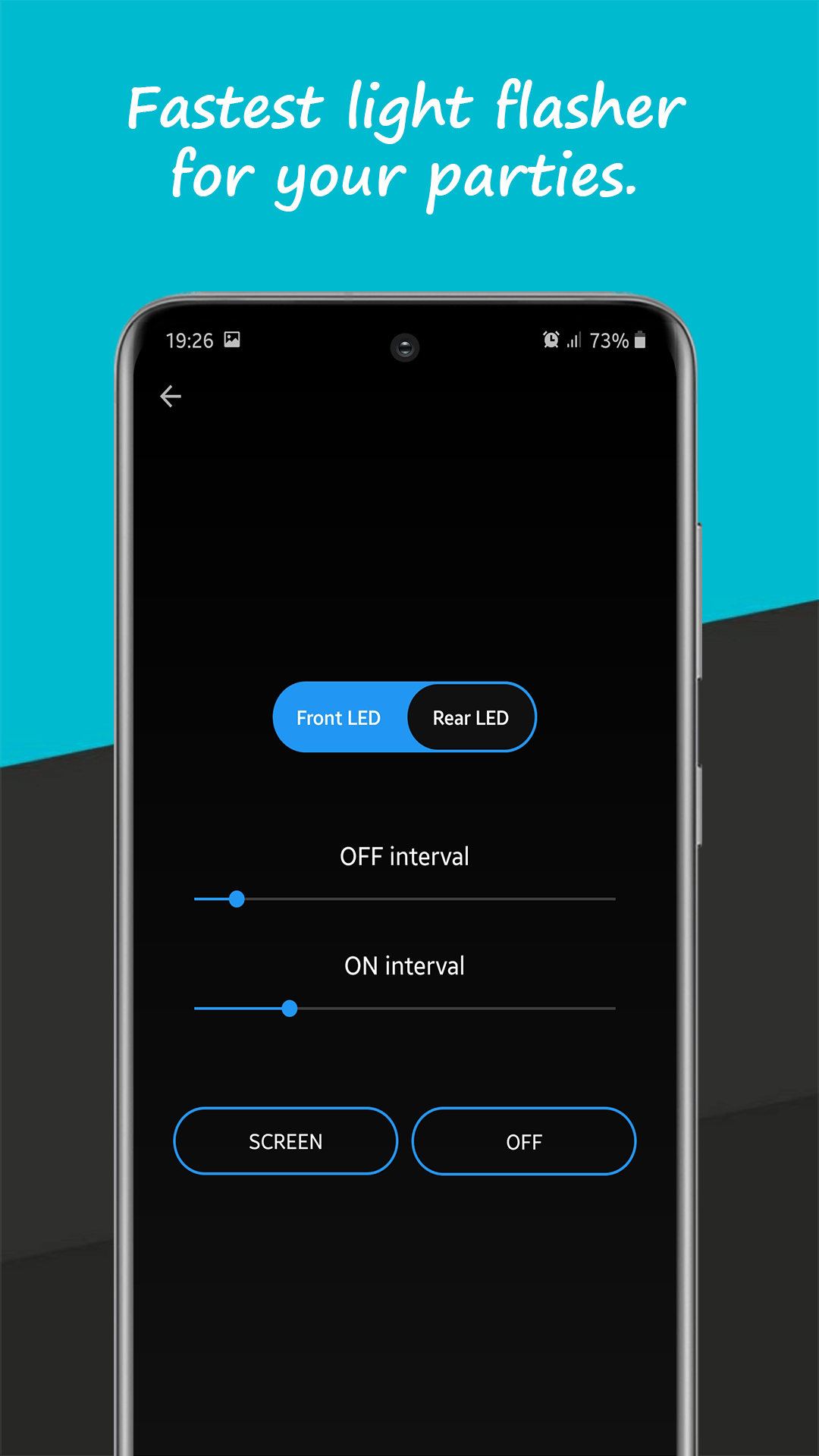
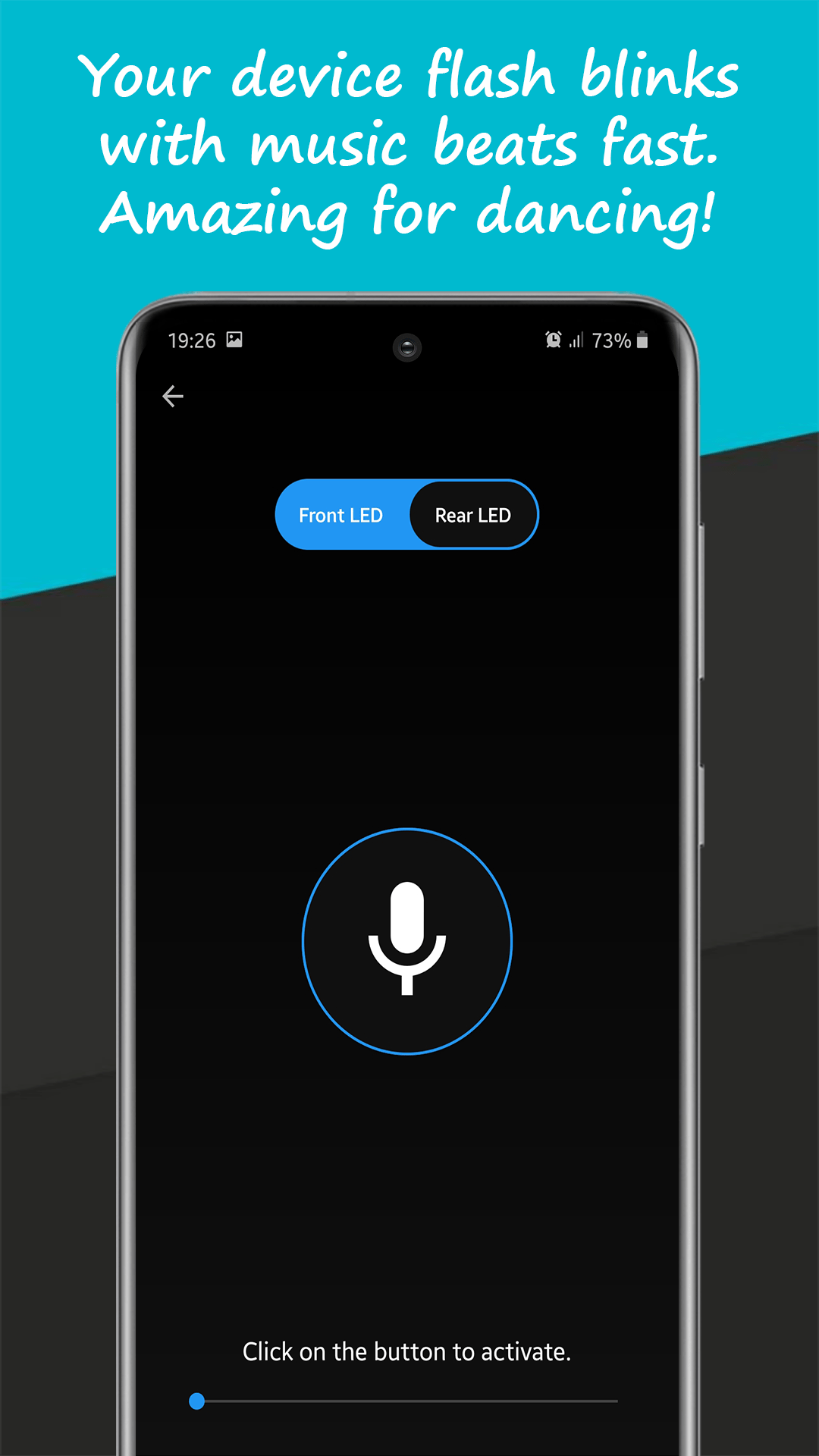
Seven-color party lights, and flashing that follows your music.
Magnifier with flash
Zoom into small text and dark corners with light on.
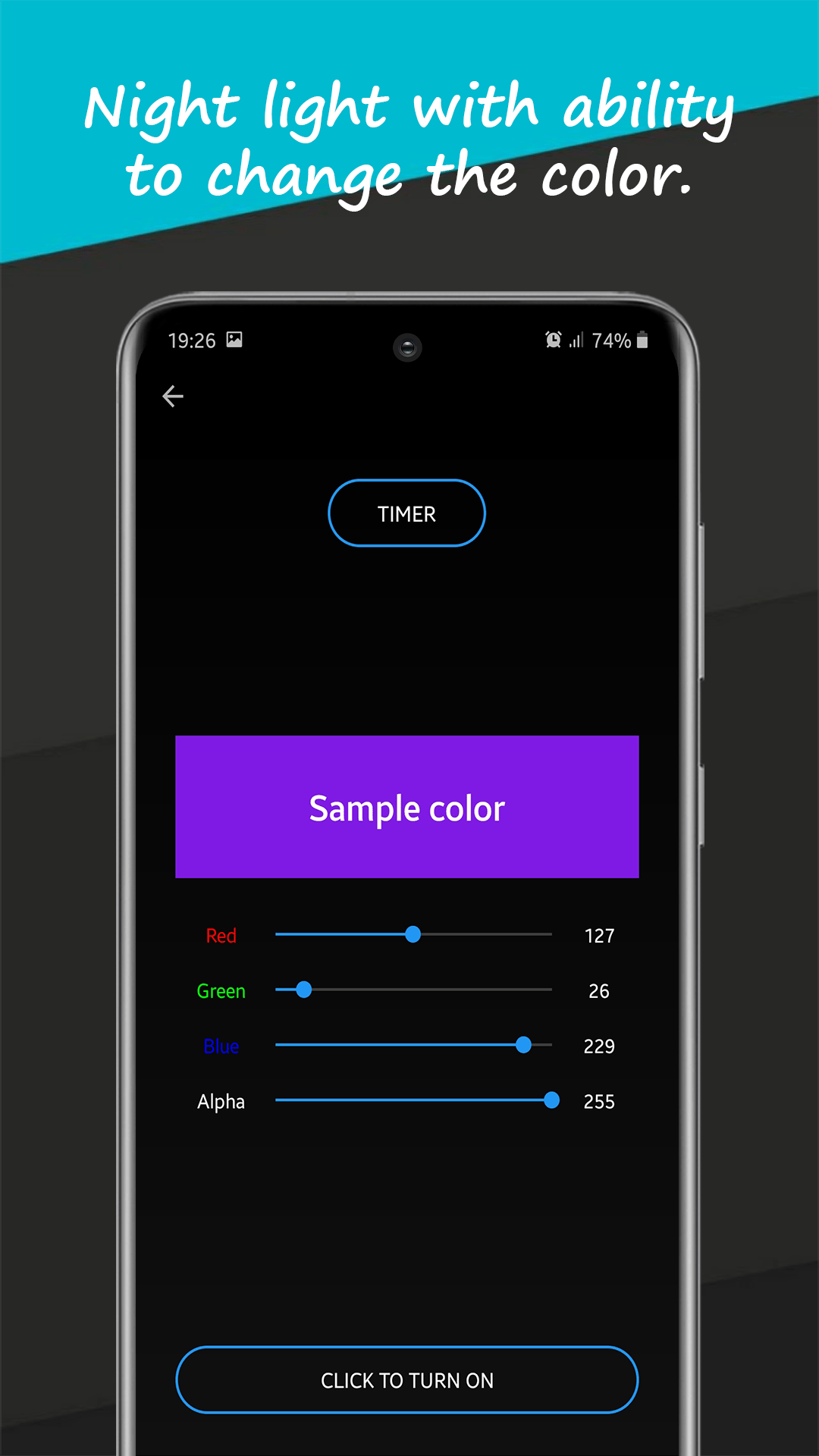
Night light & timer
Soft bedtime lighting that switches itself off.
FAQ
Frequently asked questions
How do I turn on the flashlight with the volume buttons?
Install the app, enable its accessibility service once, then press both volume buttons simultaneously — the torch lights instantly, even with the screen off or the app closed. Learn more →
Why does the app need Accessibility access?
Android only reports physical volume-key presses to an accessibility service. The app uses it solely to detect the two-button press that toggles your torch — no personal data is collected or shared.
Can I send an SOS signal with my flashlight?
Yes — SOS mode flashes the international Morse pattern (··· ––– ···) using your LED or screen, and the LED board can flash custom messages too. Learn more →
My phone has no LED flash — can I still use it?
Yes. Screen Light mode turns your display into a bright torch, and every mode that supports it (SOS, flasher, night light) can use the screen instead of the LED. Learn more →
Is the app free?
Yes — free on Google Play; you can even unlock the full version by watching a few ads.
Read the full Google Play description
Light, one squeeze away.
Free · Works screen-off · SOS included