
Google added shortcuts like double-tap-the-back or power-button gestures on some phones — none are universal, and most still need the screen or precise taps. The volume rocker is different: every phone has one, your thumb finds it without looking, and a two-button squeeze is deliberate enough that it won't fire in your pocket.
How to turn on the flashlight with your volume buttons (screen off)
The moment you need a flashlight is the moment you can't see your screen: a dark stairwell, a power cut, dropped keys under the car seat. Unlock, swipe, find the tile? Or just squeeze two buttons you can find blind. Here's the one-minute setup.
01Why volume buttons beat every other shortcut
02One-minute setup
- Install Flashlight: Volume button LED from Google Play
- Open it and enable Volume Buttons Flash
- Grant the accessibility permission it requests — Android only exposes physical key presses through this service, and the app uses it purely to catch the two-button squeeze
- Screen off, press both volume buttons: light
03If it stops working after a while
Aggressive battery savers on some phones (Samsung, Xiaomi, others) kill background services. Two fixes keep the shortcut alive:
- Set the app's battery usage to Unrestricted (Settings → Apps → Flashlight → Battery)
- Confirm the accessibility service is still on after system updates — updates occasionally reset it
04More ways to fire the torch
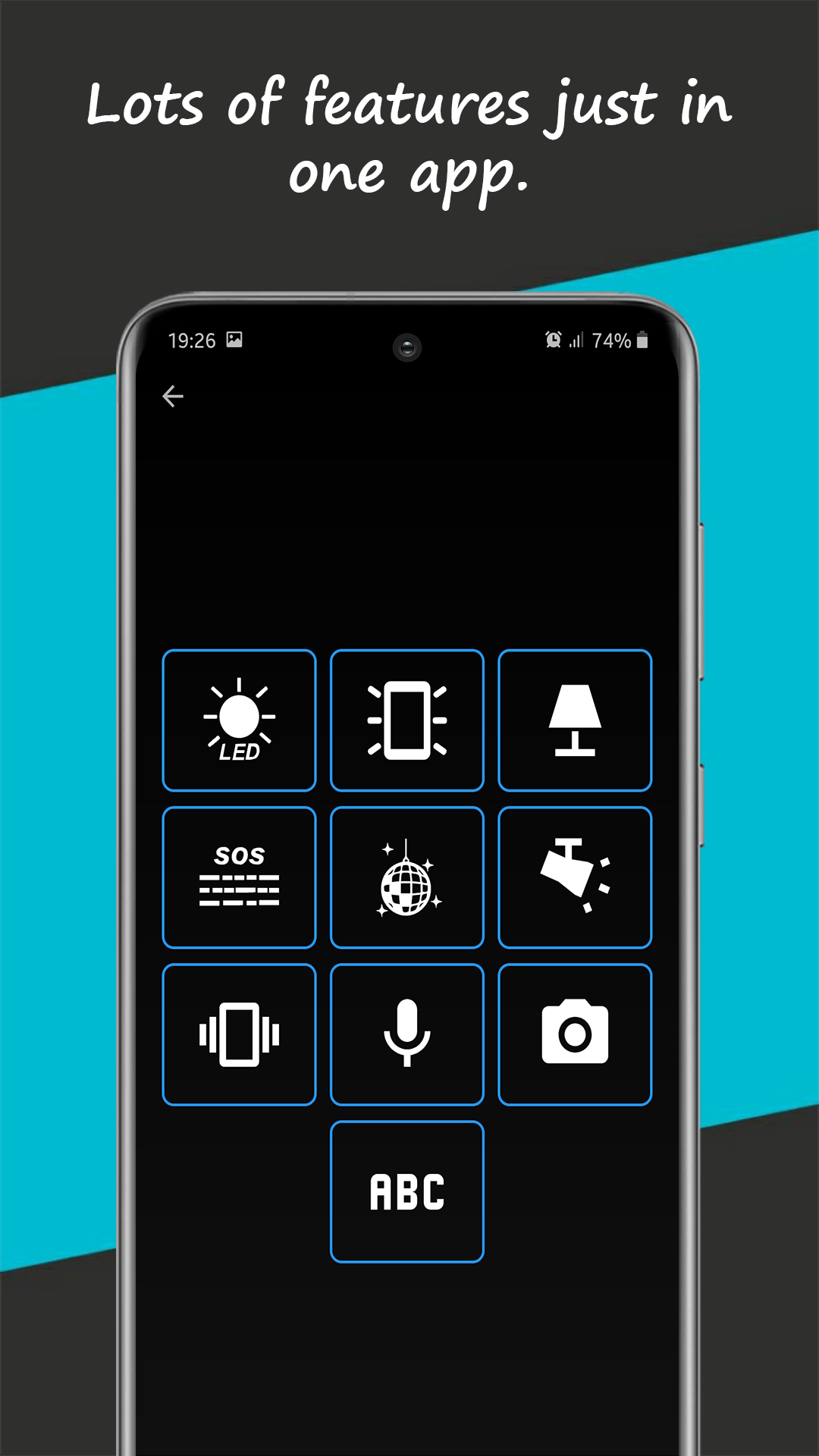
The volume squeeze is the star, but the app stacks alternatives for every habit: a home-screen widget for one-tap light, shake to light for when your hands are gloved, and the classic in-app button with brightness modes. Pick your reflex and keep it.