
Screen Light mode pushes your display to full brightness on a pure white field — on a modern phone that's a genuinely useful lamp for a dark room, a keyhole, or the back of a cabinet. Because it's a screen and not a point LED, the light is broad and shadow-soft, which often beats the harsh cone of a flash up close.
How to use your screen as a flashlight (no LED needed)
Plenty of tablets and a fair few phones ship without a camera flash — and even with one, a screen sometimes makes the better light: broader, softer, dimmable, and pointed at your face instead of away from it.
01Screen light in one tap
02A light you can shape
Unlike an LED, the screen's color is yours to choose: shift it warm for a bedside glow, pick a color for ambiance, or dim it far below any torch's minimum. The night light preset pairs soft lighting with a timer that switches itself off after you're asleep.
03The original ring light
A bright screen pointed at you is exactly how "front flash" selfies work — use Screen Light as a fill light for video calls from dark rooms, mirror checks, or reading a paper map at night without blinding your night vision (warm + dim is the trick).
04Every mode, no LED required
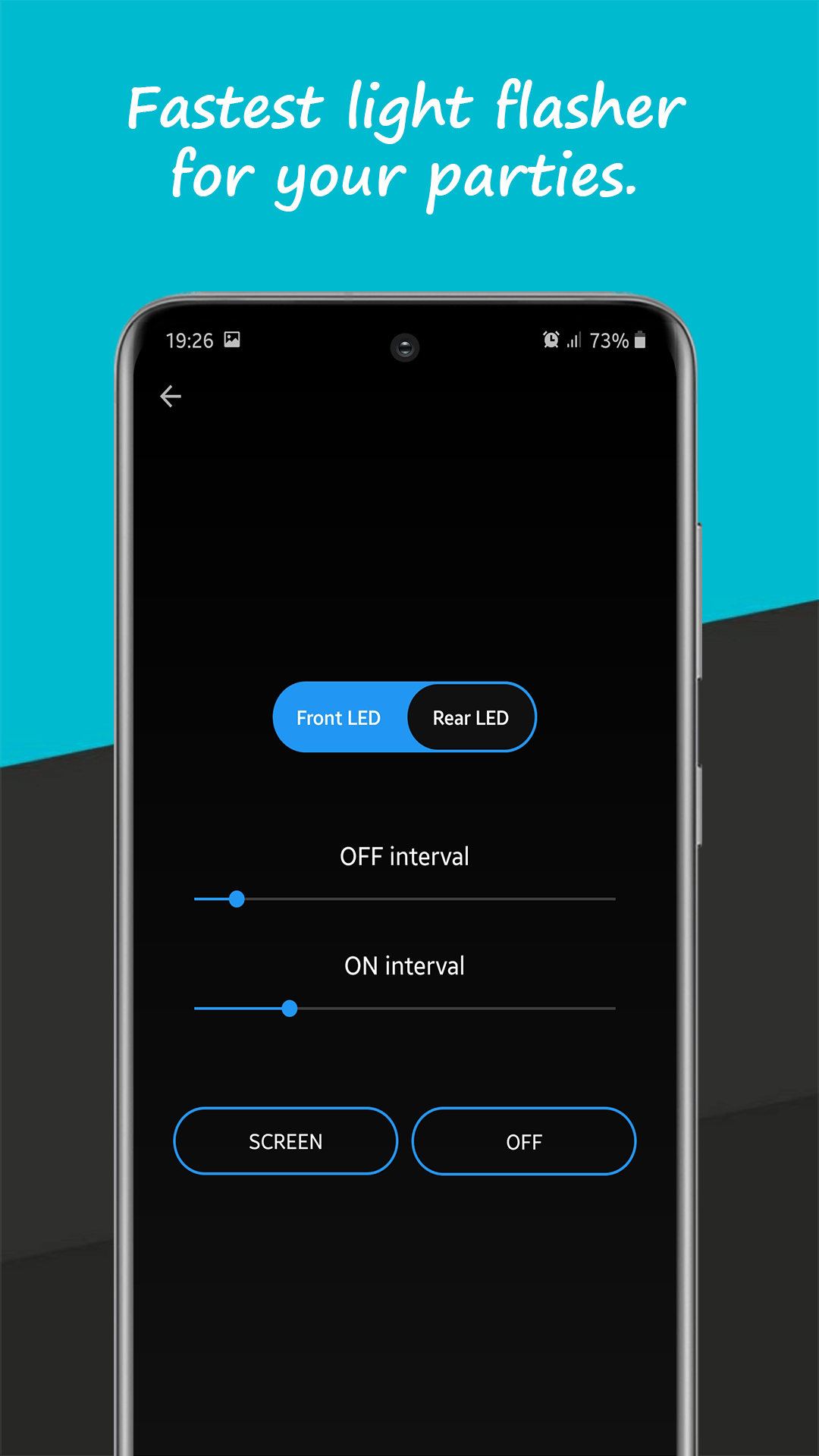
The app's toolbox runs on the screen wherever the LED is missing: SOS Morse flashes the display, the fast flasher and disco mode strobe it in colors, and the LED board scrolls glowing text. A flashless tablet turns out to be a perfectly good party light.