
The app listens to the audio your phone is playing and translates it into vibration in real time — the kick thumps, the bassline hums, big drops physically drop. Apple ships this as "Music Haptics" on iPhone as an accessibility feature; this brings the same idea to any Android phone, with any music app: Spotify, YouTube Music, local files, anything audible.
How to feel music through vibration on Android
Music is physical — at a concert your chest feels the kick drum before your ears sort it out. Phone speakers and earbuds strip that layer away. Music haptics puts it back, through the vibration motor you already carry.
01What music haptics does
02Set it up for listening
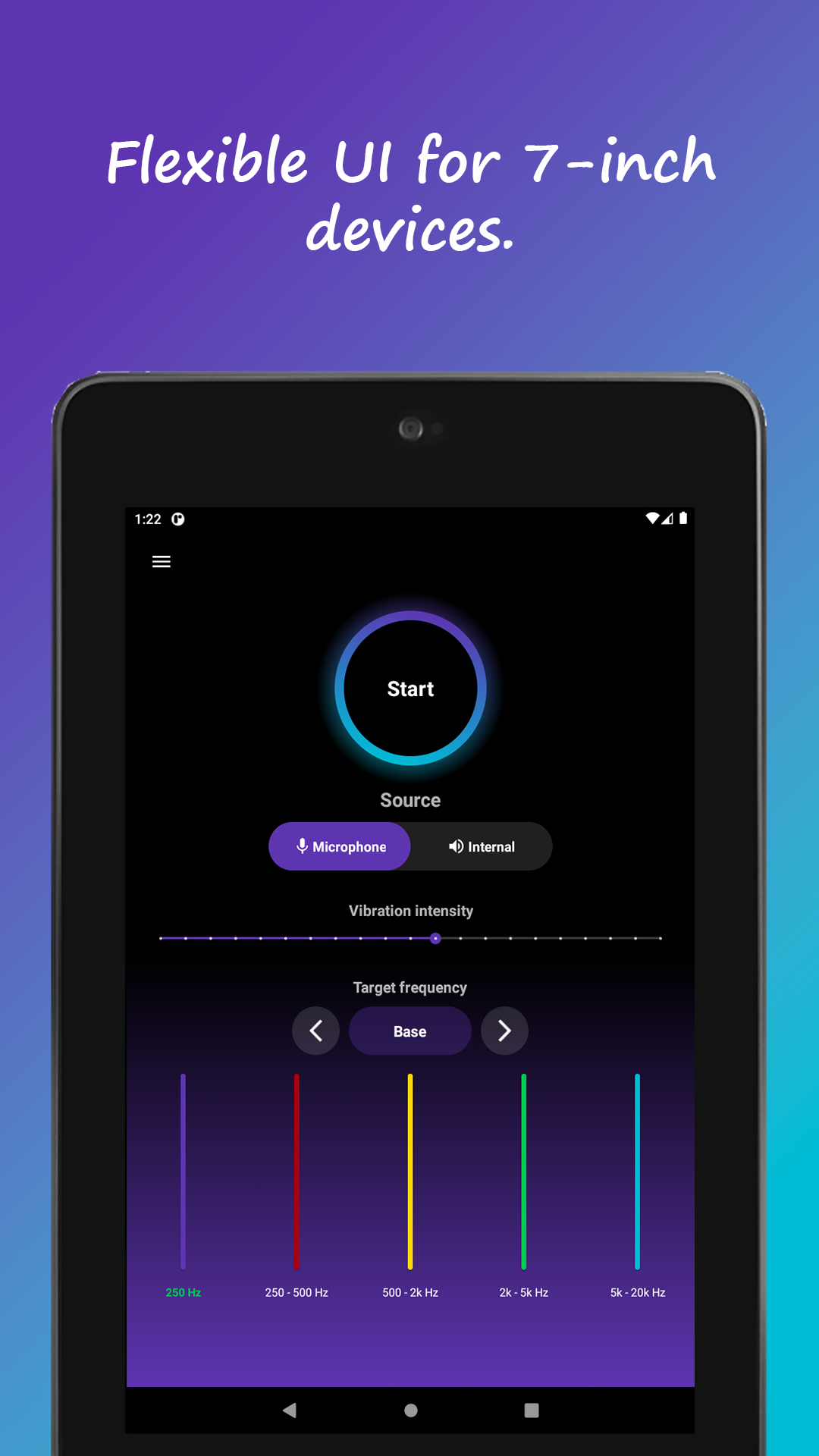
- Choose Internal audio as the source (cleanest with headphones — outside noise can't interfere)
- Start with the bass range so the rhythm section drives the vibration
- Play a bass-heavy track and set intensity to taste
03Tuning per genre
Electronic, hip-hop and rock ride beautifully on bass-only — the groove lands as a steady physical pulse. For acoustic or classical, widen the frequency range so melody and dynamics come through as texture rather than thumps. The surprise most users report is how much melody you can feel once the range opens up.
04An accessibility door, too
For deaf and hard-of-hearing users, haptics are a direct channel into rhythm and structure — which is exactly why Apple built theirs as an accessibility feature. It also works for movies: explosions and scores gain a physical layer, effectively a pocket-sized bass shaker for late-night headphone viewing.