
Explosions live in the bass, engines rumble in the low-mids, hits spike sharply — a game's soundtrack is a map of its physical events. Haptic Feedback analyzes the audio stream in real time and fires the vibration motor to match, which is why it works with every game ever made: no integration, no per-game support, just sound in, rumble out.
How to add vibration to any Android game
Racing games without engine rumble, shooters without recoil — most mobile games skip haptics entirely, and there's no setting to turn on. But every game has audio, and audio carries exactly the events worth feeling. That's the trick.
01How audio-driven haptics work
02Set it up for your game
- Install and open Haptic Feedback
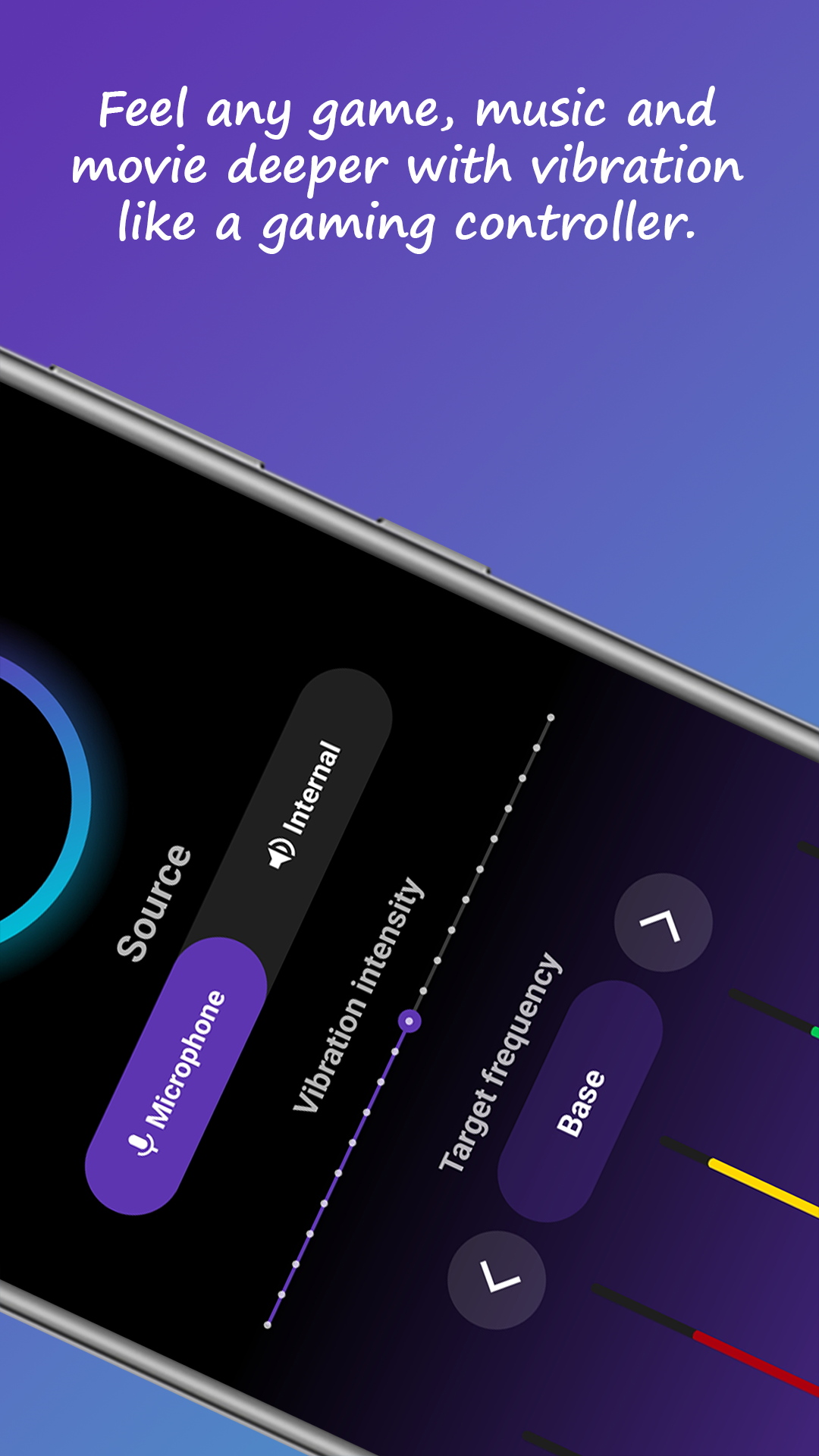
- Choose Internal audio (headphones) or Microphone (speaker/TV play)
- Start with the bass frequency range — big events only
- Set intensity, activate, and launch your game
03Tune it per genre
The frequency filter is where it gets good. Racing: low frequencies only — constant engine rumble with bumps punching through. Shooters: bass for explosions plus some mids for gunfire. Rhythm games: wider range so the beat itself drives the pulse. If vibration feels constant and mushy, narrow the range; if it misses moments, widen it or raise sensitivity.
04Battery and comfort notes
The vibration motor costs some battery — noticeably less than the screen and GPU already do while gaming, and users report lighter drain than expected. For long sessions, moderate intensity feels better than maximum; like a controller's rumble, the point is texture, not a massage. Start subtle and raise it until impacts land.