

Haptic Feedback: Game Vibrate
Game vibration · Music haptics · Controller-style feedback
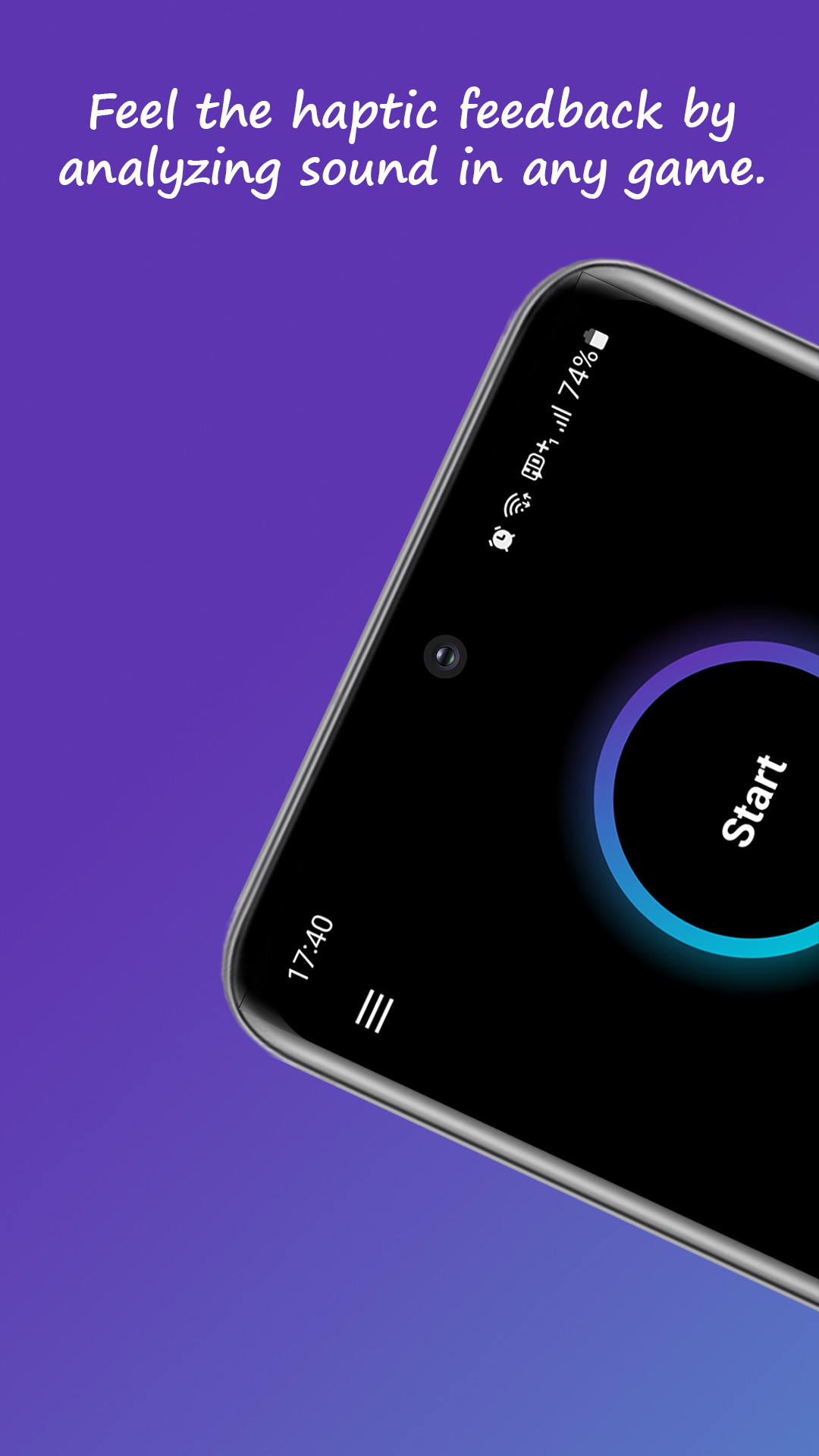
Console controllers rumble with every hit — your phone stays lifeless. This app listens to the game's audio and turns it into vibration you can feel.
★ 3.6 rating 501 reviews 10K+ downloads Everyone rated

Free download · Works with any game · Adjustable intensity
SCREENSHOTS
See it in action
HOW IT WORKS
Rumble in three steps
Pick your audio source
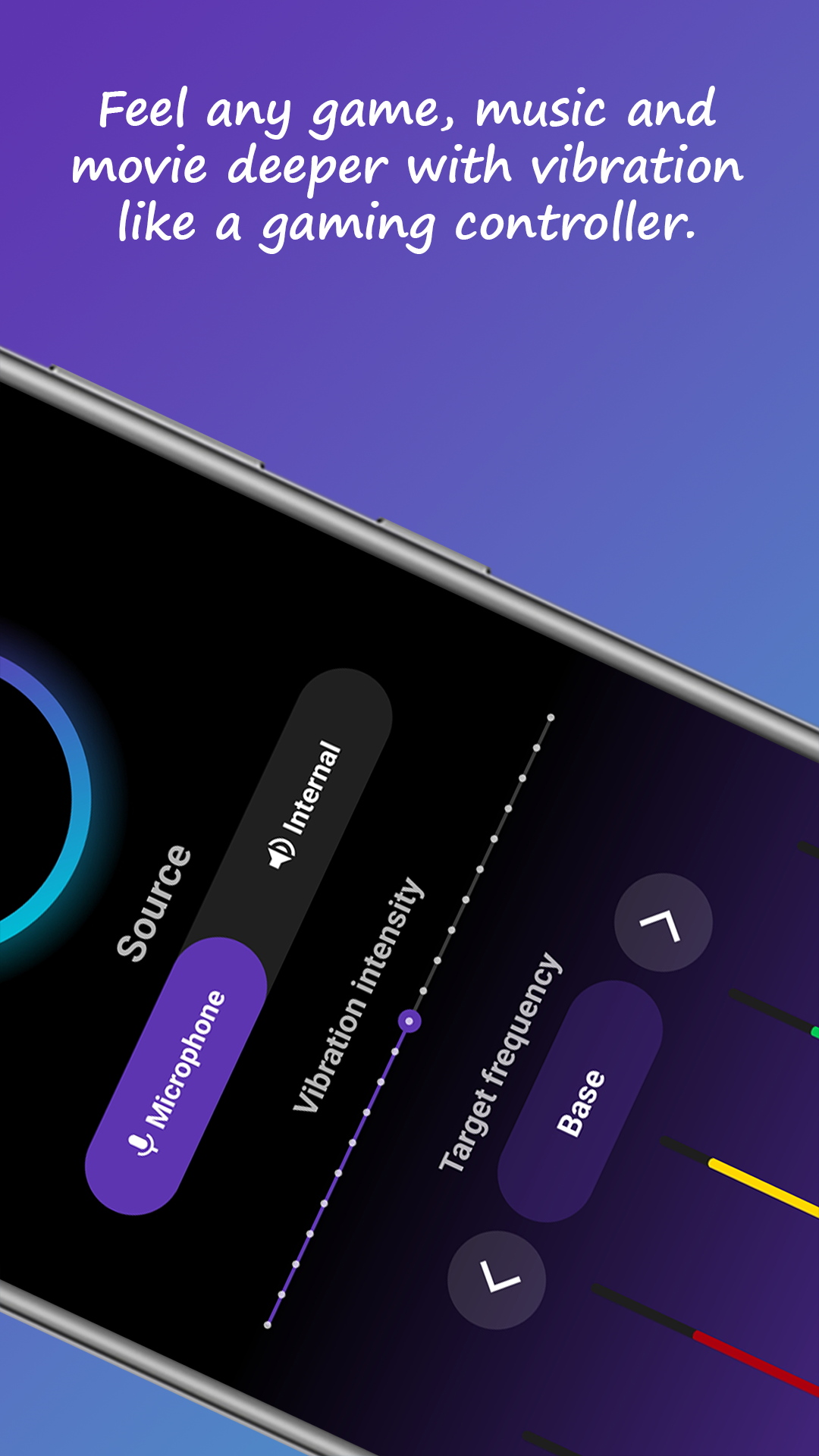
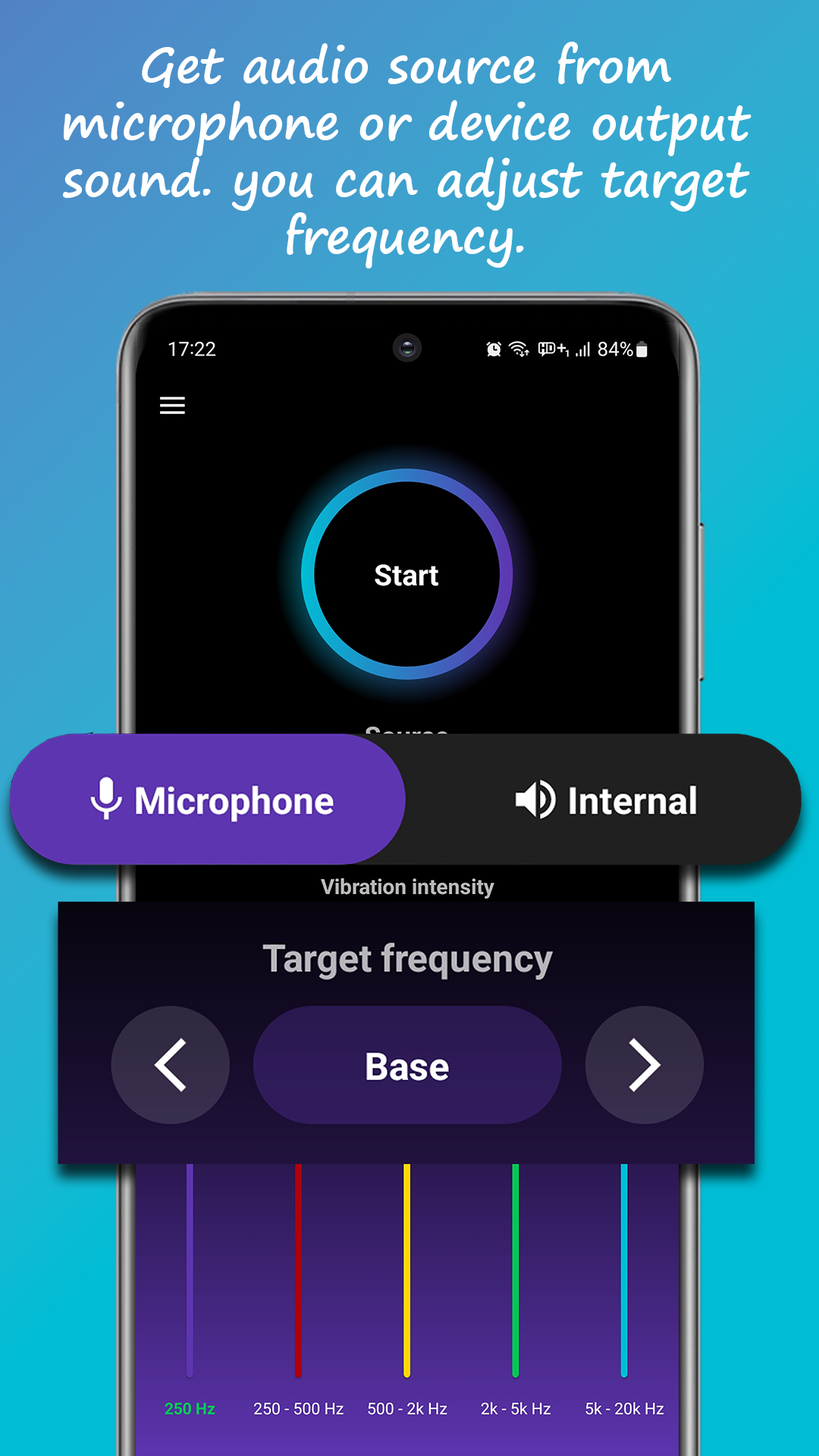
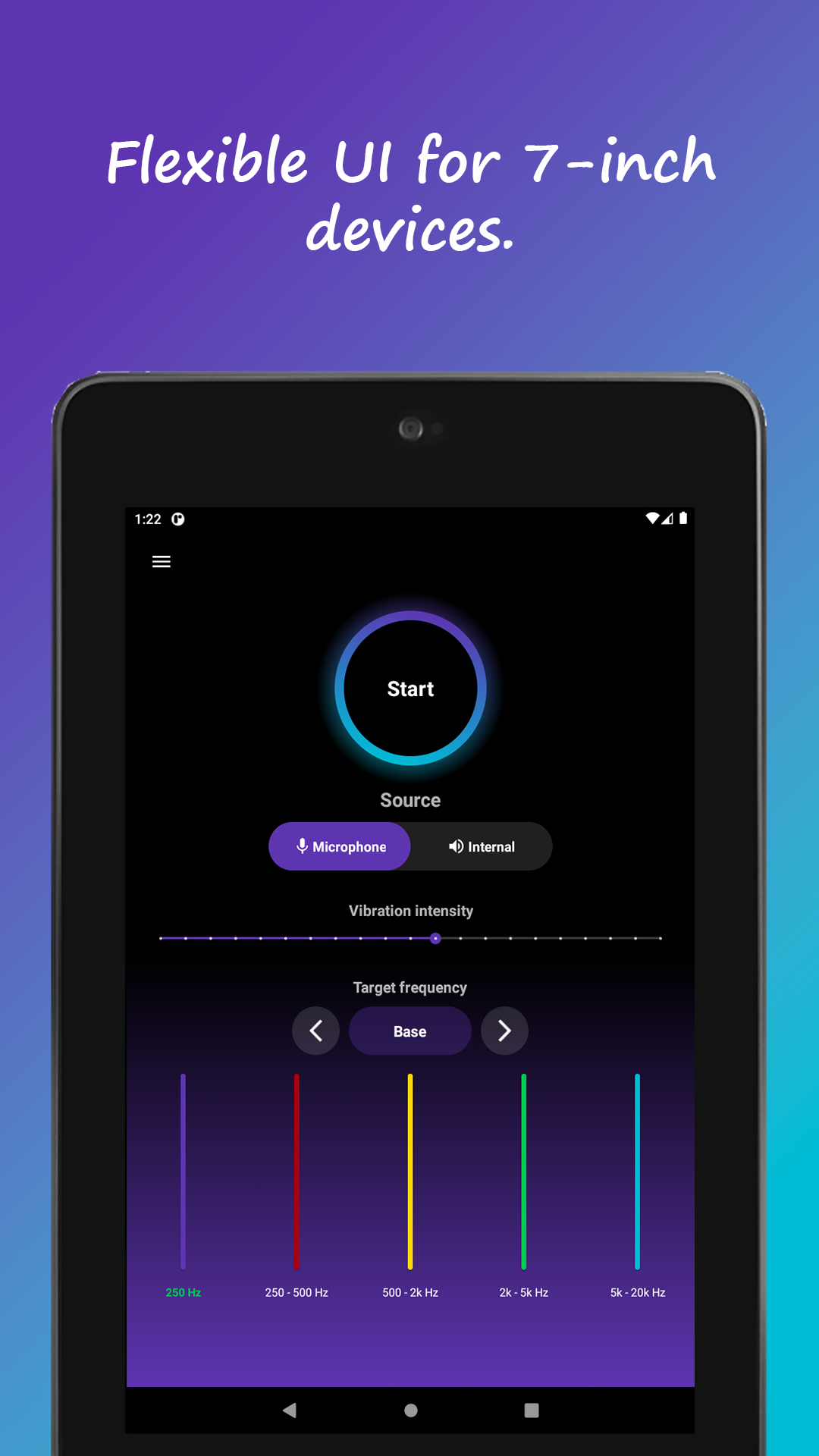
Internal audio mode for headphones — clean, accurate haptics. Microphone mode for speaker play, TVs or external gaming setups.
Choose what you feel
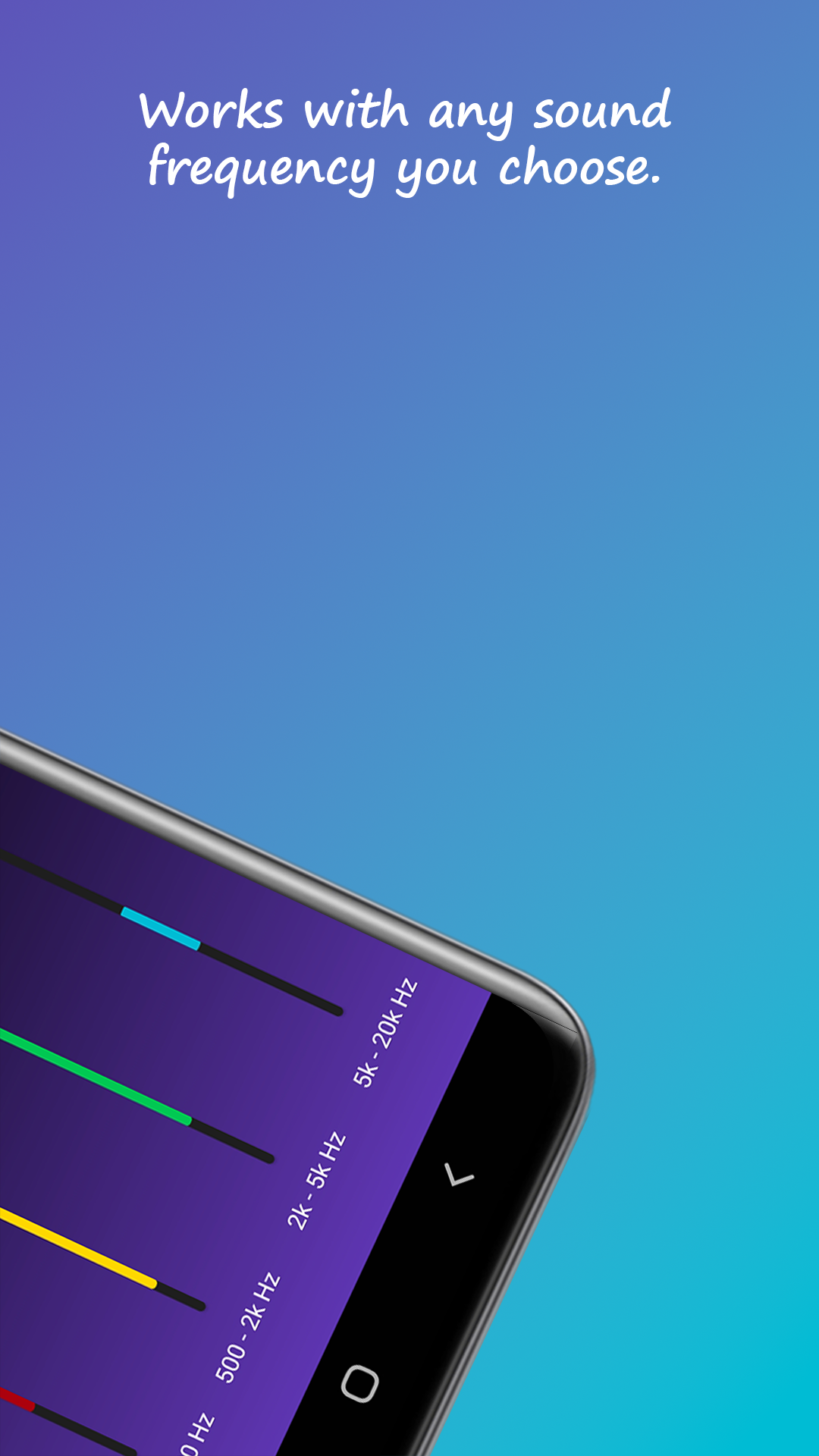
Select the frequency range that triggers vibration — bass-only for explosions and impacts, or wider ranges for every detail.
Play anything
Start any game, song or movie. The app analyzes the audio in real time and generates matching vibration — like a gaming controller in your hand.
Any game, with rumble
Adds vibration to games that never had haptic support built in.
Music haptics
Feel the bass and melody of your music physically.
Two audio sources
Internal audio for headphones, microphone for speakers and TVs.
Frequency targeting
Bass-only for big moments, or full-range for fine detail.
Intensity control
From a subtle pulse to full controller-grade rumble.
Real-time analysis
Audio converted to vibration live, as sound happens.
FAQ
Frequently asked questions
How can I add vibration to a game that doesn't support it?
Haptic Feedback analyzes the game's audio in real time and converts it into vibration — so any game gets rumble, even without built-in haptic support. Learn more →
Can I feel music through vibration?
Yes — Music Haptics mode converts bass and melody into vibration patterns, for music and movies as well as games. Learn more →
How is this like a PS5 controller?
Modern controllers vibrate in response to game events; this app recreates that by reacting to game audio — explosions, engines, footsteps — with matching vibration on your phone. Learn more →
Which audio source should I choose?
Use Internal audio with headphones for the most accurate haptics; use Microphone mode when sound plays through speakers or a TV.
Is Haptic Feedback free?
Yes — free on Google Play with optional premium features.
Read the full Google Play description
Your games have been silent in your hands. Fix that.
Free · Works with any game · Music haptics included