
Android 12 and newer include quick-settings tiles for Camera access and Mic access, plus green indicator dots when a sensor is active. Useful — but the toggles are easy to forget, the dot doesn't tell you which app is recording, and there's no log of what happened while you weren't looking.
How to block your camera and microphone on Android
Laptops get tape over the webcam; phones get… trust. Yet your phone's camera and mic travel everywhere with you. Here's how to take hardware-level control back — and know instantly when anything tries to listen.
01What Android gives you out of the box
02Hard-block with Anti Spy Detector
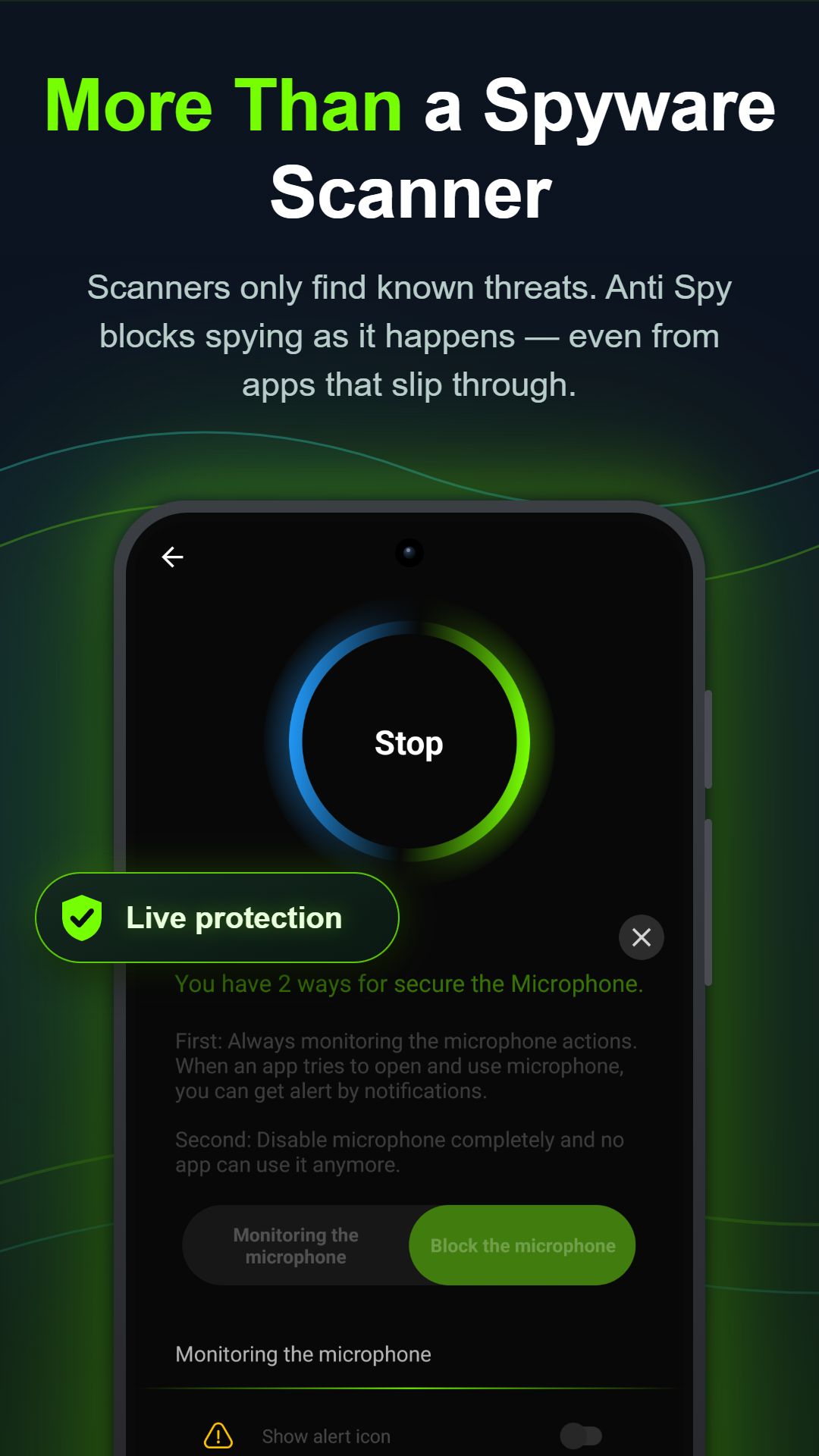
The camera and microphone guards block access for every app until you say otherwise. Unlike a permission you granted months ago and forgot, a blocker is a deliberate wall — spyware, stalkerware or an over-curious social app simply can't record.
03Get named alerts in real time
Blocking is half the story; knowing is the other half. With monitoring on, every access attempt triggers a notification naming the app and the sensor — "Camera is being accessed", "Microphone is being accessed" — the moment it happens. It's the phone equivalent of a webcam light, and it exposes apps that have no reason to be listening.
04Don't forget screen and clipboard
Cameras aren't the only way to watch you. Screen Guard stops other apps from screenshotting or recording your screen (banking apps, private chats), and Clipboard Guard periodically wipes copied data so a rogue app can't harvest the password or card number you just copied.