Spyware is designed to be invisible. Your phone looks completely normal while a hidden app watches your camera, listens through your microphone and reports your location. Here's how to find it — step by step.
Spyware runs constantly in the background, and that leaves traces:
- Battery drains noticeably faster than usual
- The phone runs warm even when idle
- Mobile data usage spikes without explanation
- Apps you don't remember installing
- The camera or microphone indicator turns on by itself
One sign alone proves nothing — but two or three together mean it's time to investigate.
Go to Settings → Privacy → Permission manager and check which apps can use your camera, microphone and location. Anything you don't recognize — or a calculator that wants your mic — is a red flag. Also open Settings → Apps → See all apps and look for generic names like "System Service" or "Device Health" that you never installed.
Manual checks miss well-hidden spyware. A dedicated spyware detector inspects app behavior — not just names — and catches tools built to stay invisible.
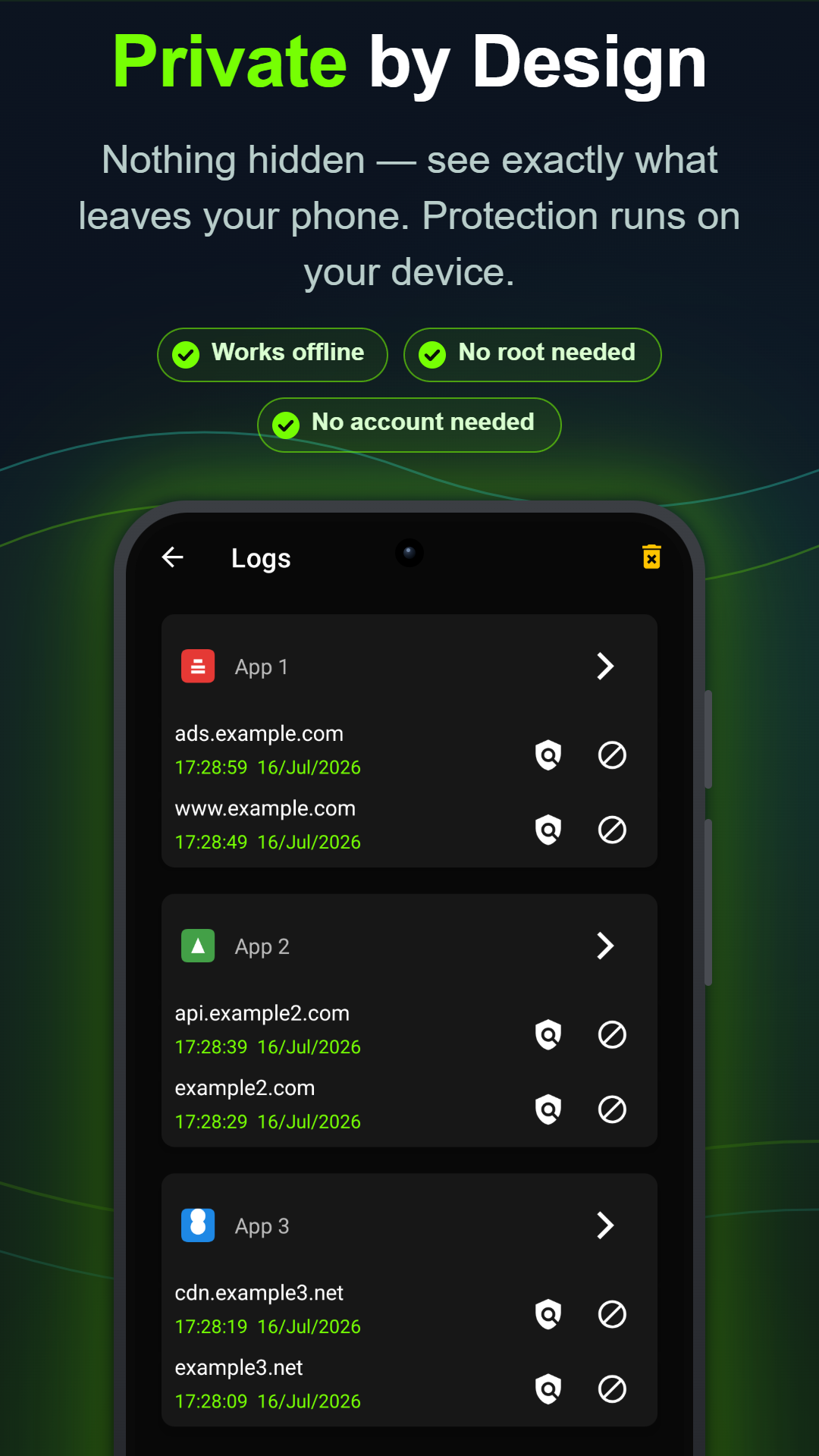
Spyware is useless if it can't send data home. A firewall lets you block any suspicious app from using Wi-Fi or mobile data. Anti Spy Detector's firewall works without root, keeps all traffic on your device, and alerts you the moment an app tries to reach a server — so even spyware you haven't found yet gives itself away.