
The launcher can be fooled; the system list can't. Go to Settings → Apps → See all apps and read the whole list slowly. Spy apps favor boring, official-sounding names: "System Service", "Device Health", "Wi-Fi Helper", "Sync Manager". Tap anything unfamiliar and check its download source — a real system app never shows "Installed from browser".
How to find hidden spy apps on Android
Spy apps don't sit on your home screen with a big red icon. They hide their icon, use system-sounding names and run silently. But every installed app leaves traces Android can't hide — if you know where to look.
01Check the full app list
02Audit special access permissions
Spy tools need powerful permissions to survive. Check these three lists under Settings → Apps → Special app access:
- Device admin apps — lets an app resist uninstalling
- Accessibility services — lets an app read the screen and log keystrokes
- Notification access — lets an app read every notification, including 2FA codes
Revoke anything you don't recognize.
03Run a behavioral scan
Names can lie; behavior can't. A behavioral scanner flags apps that act like spyware — hidden launchers, background sensor access, surveillance-style permission combos — regardless of what they call themselves.
04Catch them in the act
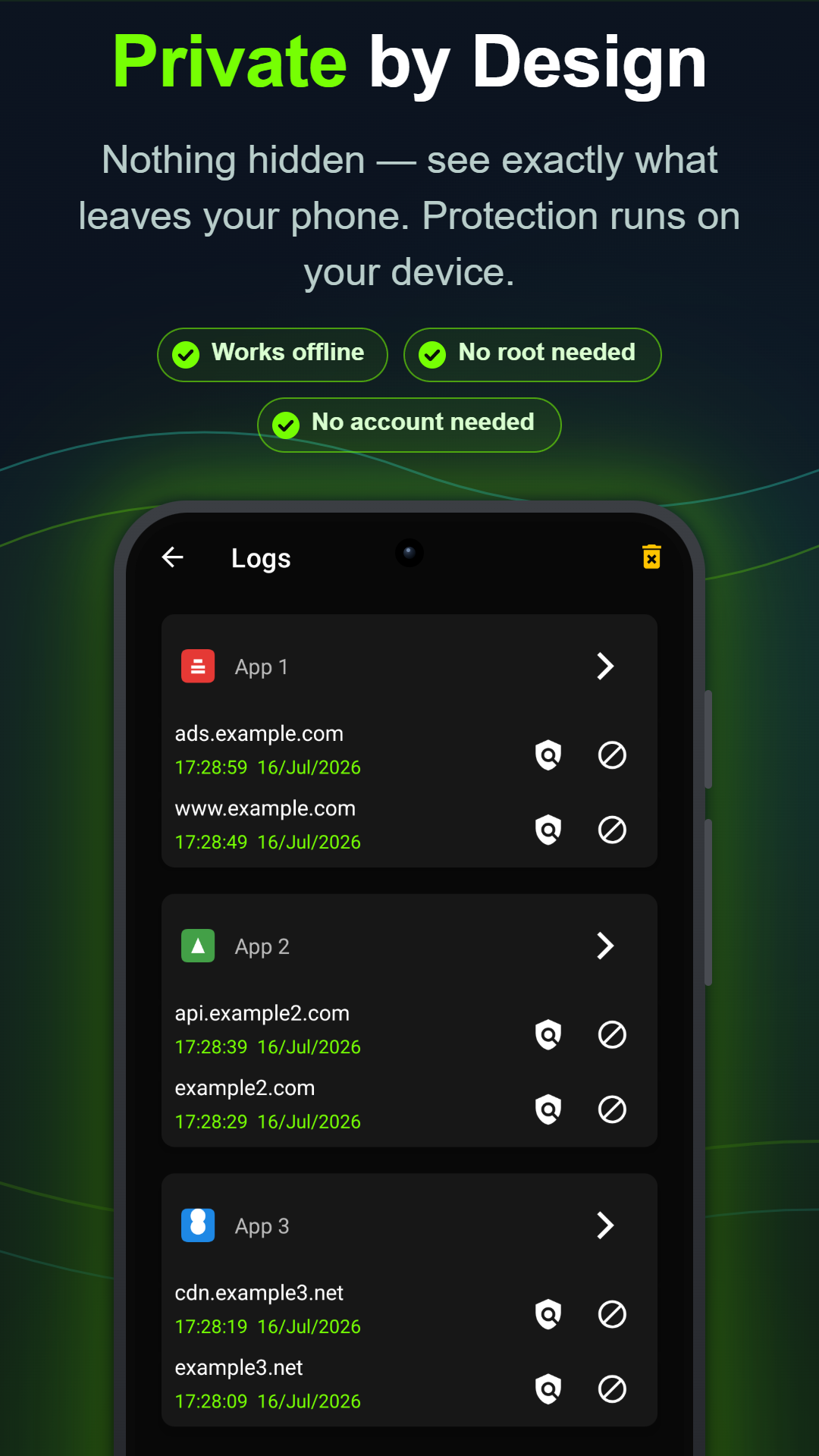
The definitive proof is a sensor alert. With Anti Spy's real-time monitoring on, the instant any app touches your camera, microphone or location you get a notification naming it — like a webcam light for your whole phone. A "flashlight" app reading your GPS at 3 a.m. has nowhere left to hide.