
If you believe you're being monitored by someone who may harm you, removal itself can tip them off. Stalkerware often notifies the installer when it stops reporting. Consider documenting evidence first (photos of the app and its settings from another device), using a safer device for sensitive communication, and contacting a domestic-violence hotline or local support organization before you remove anything. Your safety outranks your phone.
How to find and remove stalkerware from your Android phone
Stalkerware is spyware with a face you know — installed by a partner, ex, family member or colleague with physical access to your phone. It forwards your location, messages, photos and calls to them. Here's how to find it, and how to remove it safely.
01First: think about safety
02Detect it
Stalkerware hides like any spyware — no icon, system-sounding name — but behaves unmistakably: constant location access, mic and camera use, huge background data. A behavioral scan surfaces it fast, and real-time sensor alerts catch it in the act.
03Remove it step by step
- Open Settings → Security → Device admin apps and deactivate the suspicious app (stalkerware uses admin rights to resist uninstalling)
- Check Settings → Accessibility and disable any service belonging to it
- Uninstall it from Settings → Apps
- Restart the phone and re-scan to confirm it's gone
- Change your Google account password and enable two-factor authentication — assume everything on the phone was visible
04Make sure it can't come back
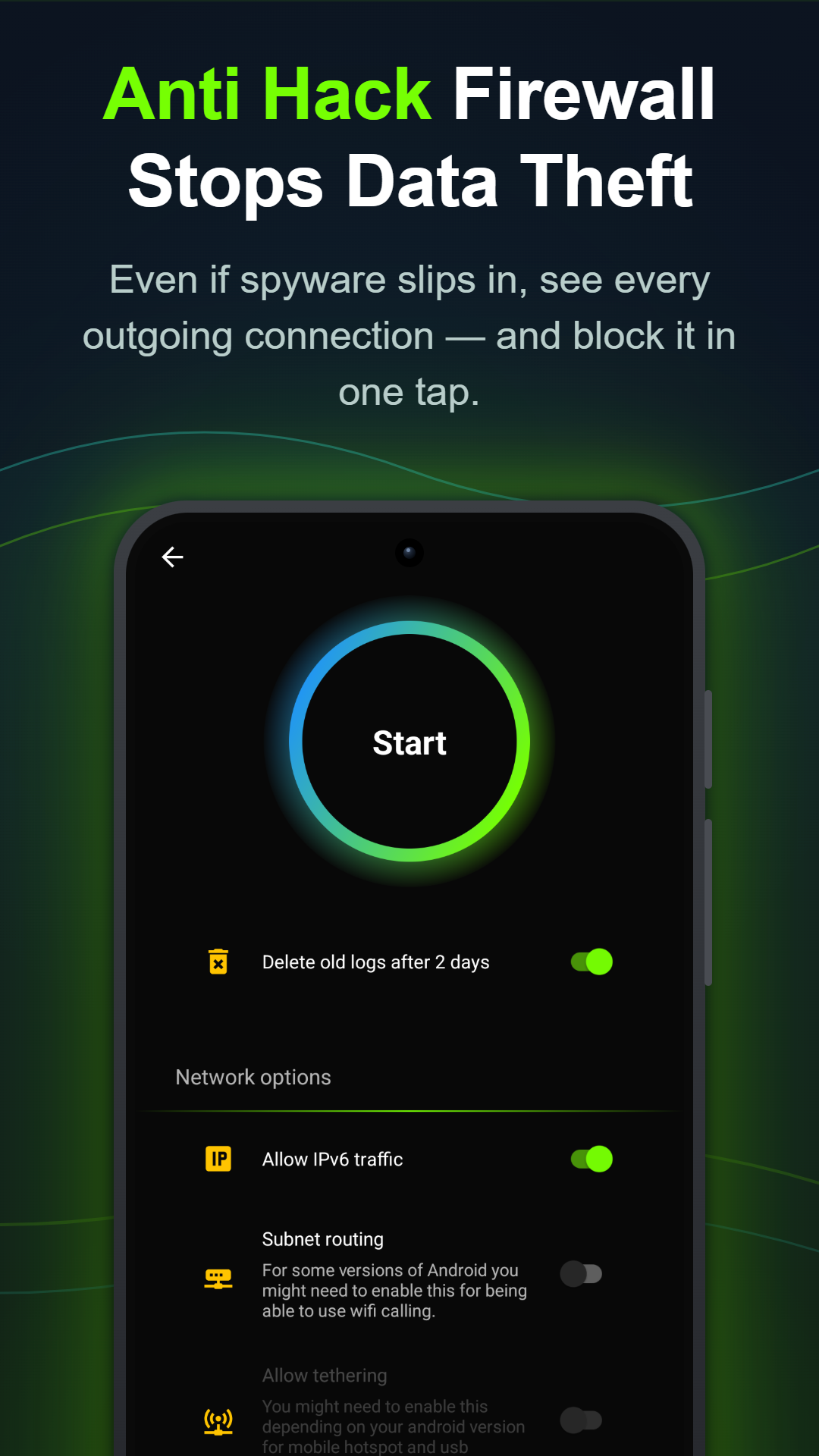
Stalkerware needs physical access, so lock the door it came through: set a strong screen lock the other person doesn't know, keep Google Play Protect on, and leave Anti Spy's blockers and firewall running. Even if something is reinstalled, it can't use the camera, mic or GPS — and the moment it tries to send data, you get an alert naming it.