
- Battery drains fast — malicious code runs 24/7.
- Phone runs hot while idle — background processing you didn't ask for.
- Mobile data spikes — stolen data being uploaded.
- Apps you never installed — especially with generic system-sounding names.
- Pop-ups and redirects — adware or worse has a foothold.
- Sluggish performance — resources consumed in the background.
- Camera/mic indicator lights up by itself — something is recording.
- Texts or calls you didn't make — premium-SMS fraud or account takeover.
- Settings change on their own — new device admin apps, unknown accessibility services.
How to tell if your phone is hacked: 9 warning signs
A hacked phone rarely announces itself. Instead it leaks small clues — heat, battery, data, strange behavior. Here are the nine signs that matter, and how to confirm your suspicion in about a minute.
01The 9 warning signs
02Confirm it with a scan
Symptoms suggest; a scan confirms. A behavioral scanner checks every installed app for spy-like behavior — hidden launchers, sensor abuse, suspicious network activity — instead of relying on guesswork.
03Lock down what hackers want
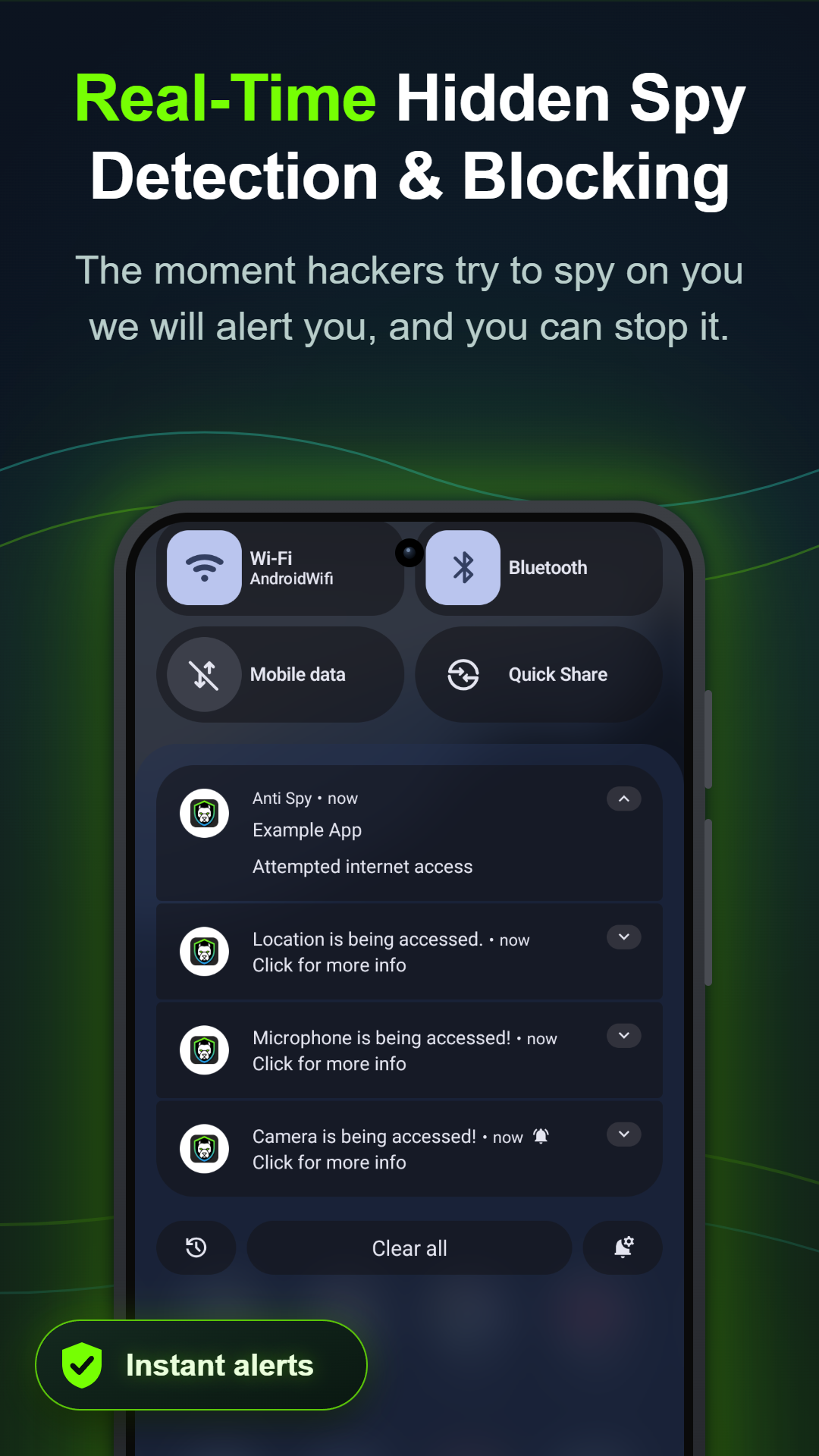
Hacking pays through your camera, microphone, location and data. Turn on Anti Spy's blockers so that even active malware can't use them: the camera and mic guards hard-block access, the location guard can feed fake coordinates, and Screen Guard stops screenshot capture of banking apps and chats.
04Remove the threat and prevent reinfection
Uninstall anything the scan flags (remove its device-admin rights first under Settings → Security → Device admin apps if uninstall is greyed out). Then change your important passwords, keep Play Protect on, and leave the firewall running — you'll get an alert the next time any app tries to phone home without your consent.