
A compromised port or cable can attempt two things: data theft (reading files while you charge) and command injection (acting as a hidden keyboard to install malware or change settings). Modern Android defaults to charge-only mode and asks before enabling data — good protection against the first attack, weaker against the second, because injection cables can interact with your screen like a lightning-fast typist.
Is it safe to charge your phone at airport or public USB stations?
You're at 4% at the gate, and there's a free USB port right there. Plug in? Here's an honest look at the risk — and how to make any port safe enough to use.
01What could actually happen
02Judging a port in the wild
You can't. That's the honest answer — a tampered port looks identical to a clean one, and the attacking hardware can sit meters away behind the wall. Risk instead scales with the location's incentives: a locked airport column maintained by the operator is lower-risk than a free-standing "charging kiosk" nobody owns, a café USB hub, or a cable someone conveniently left behind.
03How to charge safely anywhere
- Best: your own adapter + wall socket (no data path at all)
- Good: your own battery pack, or a charge-only cable
- On the prompt: always pick Charge only / No data transfer
- Always-on backup: USB Blocker, so even a malicious connection can't execute anything
04A travel habit worth keeping
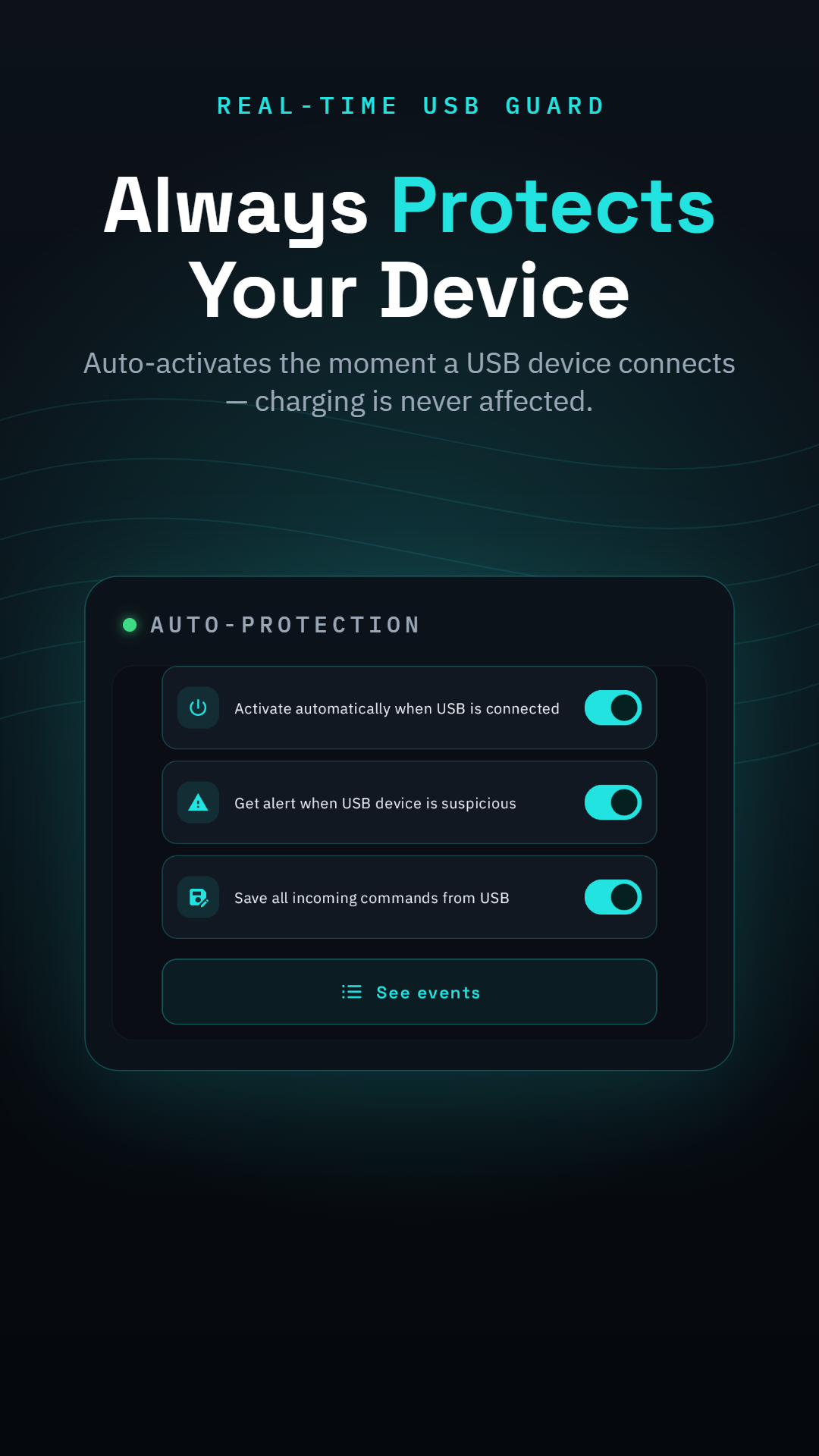
Travelers, remote workers and anyone who charges away from home hit unknown USB ports constantly — and one distracted moment at 4% battery is all an attack needs. Set USB Blocker to activate automatically and the decision is made once, for every port you'll ever meet: charge freely, and let anything malicious announce itself in your attack log.