
A USB connector carries separate pins for power and data. A malicious charging station, power bank or cable wires up the data pins to a hidden computer that attacks your phone the moment you plug in — copying files, installing spyware, or issuing commands by pretending to be a keyboard. Your phone charges normally the whole time, so nothing looks wrong.
What is juice jacking and how do you prevent it?
A USB port does two jobs at once: power and data. Juice jacking abuses that dual role — you think you're getting electrons, the port thinks it's getting your files. Here's how the attack works and every practical way to shut it down.
01How juice jacking works
02How real is the risk?
Documented in-the-wild cases are rare, and modern Android asks before sharing data over USB — but the FBI and FCC have still warned travelers away from public USB ports, because you can't inspect what's behind a socket in an airport wall, and "trust prompts" can be defeated by keystroke-injection cables that simply answer the prompt for you. The attack is cheap to build and impossible to spot visually, which is exactly the kind of risk worth closing for free.
03Five ways to prevent it
- Use your own adapter in a wall socket — AC power carries no data
- Choose "Charge only" if Android asks about the USB connection
- Carry a data-blocker dongle or charge-only cable with no data wires
- Never use found or gifted cables from unknown sources
- Run USB Blocker so anything that slips through is caught in real time
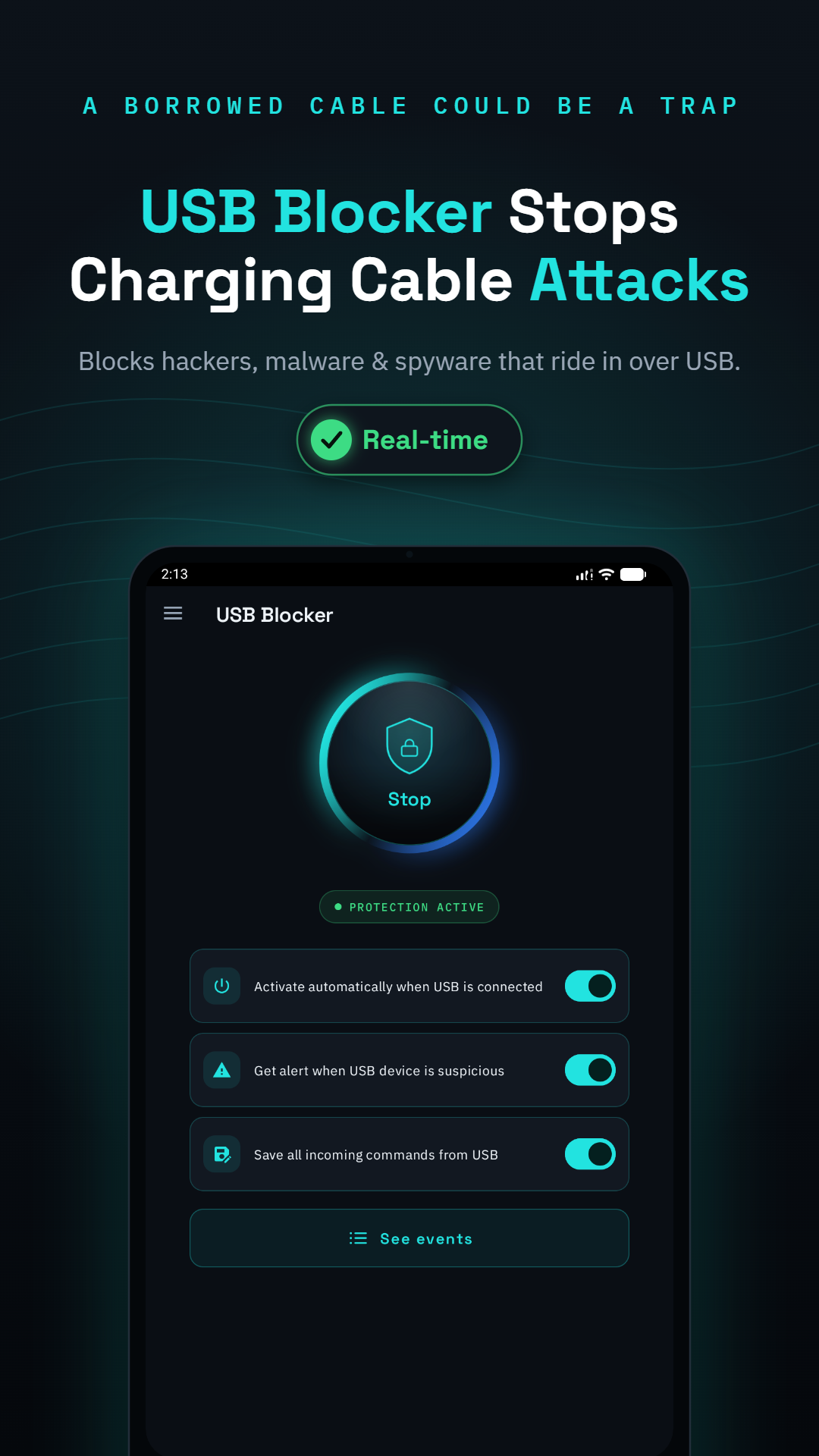
04What USB Blocker adds on top
Hardware habits protect against passive data theft; USB Blocker protects against the active attack — command injection. It activates automatically on every USB connection, detects when a cable or charger starts "typing" into your phone, blocks the keystrokes before they execute, and logs the attempt so you can see exactly what the attacker tried to run.