
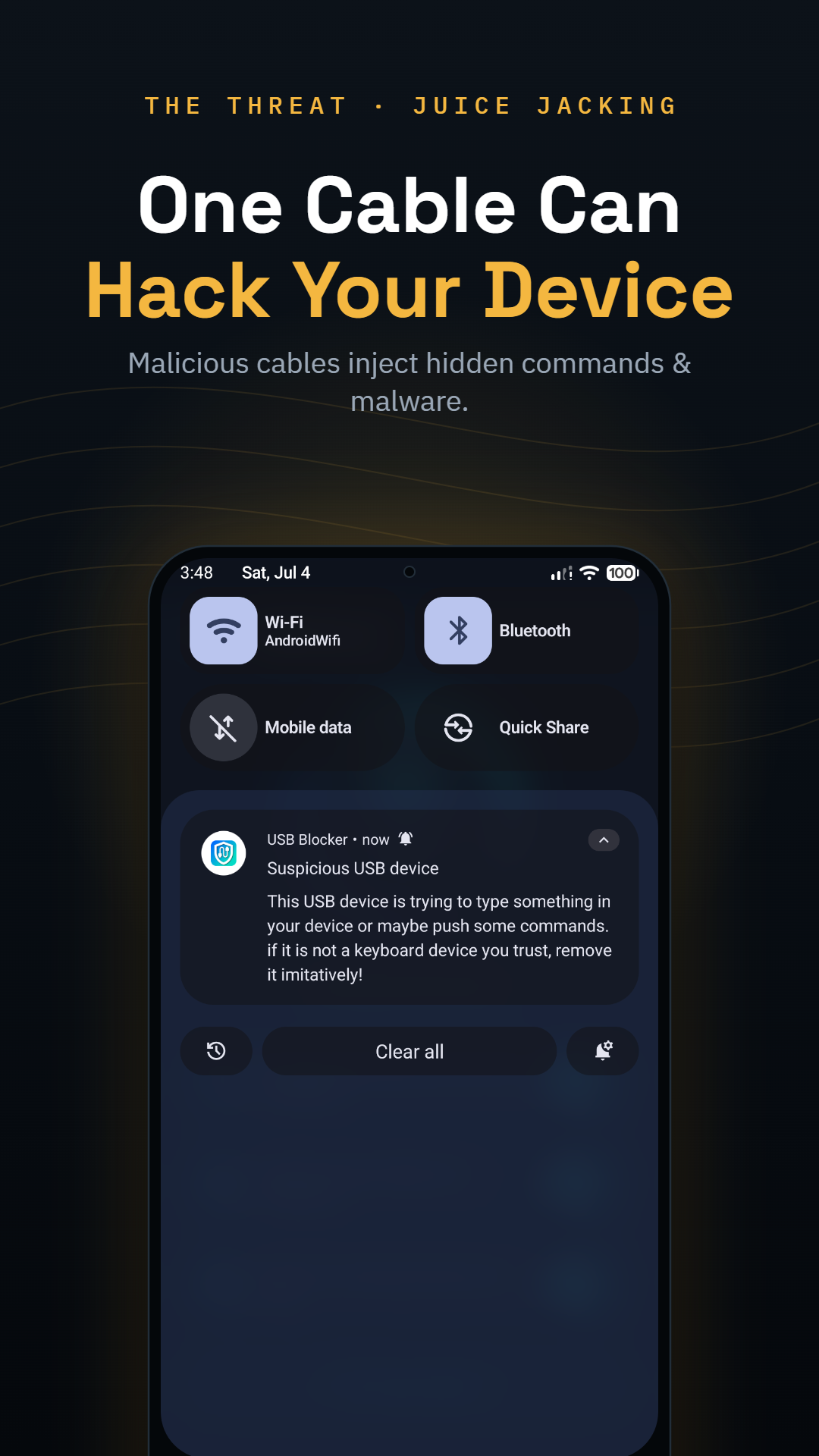
A hacking cable — the O.MG cable is the famous example — is a normal-looking USB cable with a tiny implant in the connector. Plugged in, it registers as a keyboard, and keyboards are trusted: it can type commands into your phone at superhuman speed, open settings, install apps, or exfiltrate data. High-end versions carry Wi-Fi, letting an attacker nearby trigger payloads, log keystrokes and operate the cable remotely long after they've walked away.
How to tell if a USB cable is malicious (O.MG cables)
The scariest attack hardware of the last few years costs about as much as dinner and looks exactly like the cable in your bag. Here's what hacking cables can do, why visual inspection fails, and the one detection method that actually works.
01What a hacking cable is
02Why you can't spot one by eye
The implant fits entirely inside a standard connector shell. Weight, length, flexibility, printing — all indistinguishable from the genuine article. The realistic red flags are about provenance, not appearance:
- A cable you found, were handed at an event, or received unsolicited
- A "replacement" cable that appeared at your desk or in your bag
- Promotional cables from untrusted vendors
Rule of thumb: if you didn't buy it sealed, don't trust it with data.
03Detect the attack, not the cable
Since the hardware is invisible, catch the behavior instead. Every hacking cable ultimately does one thing: inject keystrokes. USB Blocker listens for exactly that — physical-keyboard events arriving when you didn't plug in a keyboard — and blocks them before they execute, then logs what the cable tried to type.
04Habits that close the loop
- Buy cables sealed, from reputable brands, and mark yours (a ring of tape works)
- Never charge from a cable already hanging at a public station
- Choose Charge only whenever Android asks
- Keep USB Blocker's automatic protection on, so detection doesn't depend on your memory