Flash Alert Call, Notification app icon

Flash Alert Call, Notification

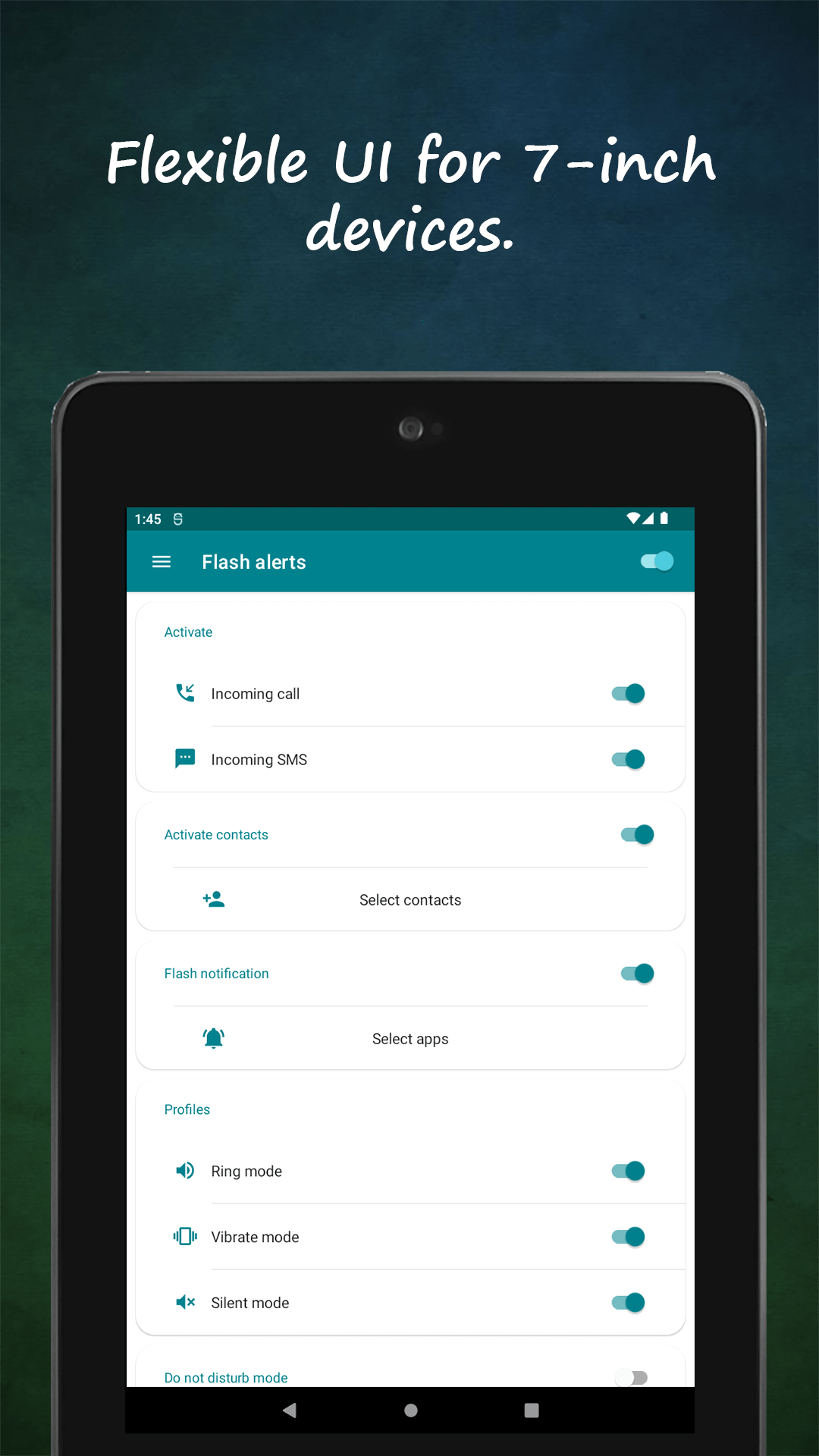
Flash on call · Flash on SMS · Flash on notification

Phone on silent? In a loud room? A missed call is a missed moment. Flash Alert turns your camera LED into a notification light you can't miss.

★ 3.8 rating 1.1K reviews 100K+ downloads Everyone rated

Get it on Google Play

Free download · Works in ring, silent & vibrate mode · Battery-smart
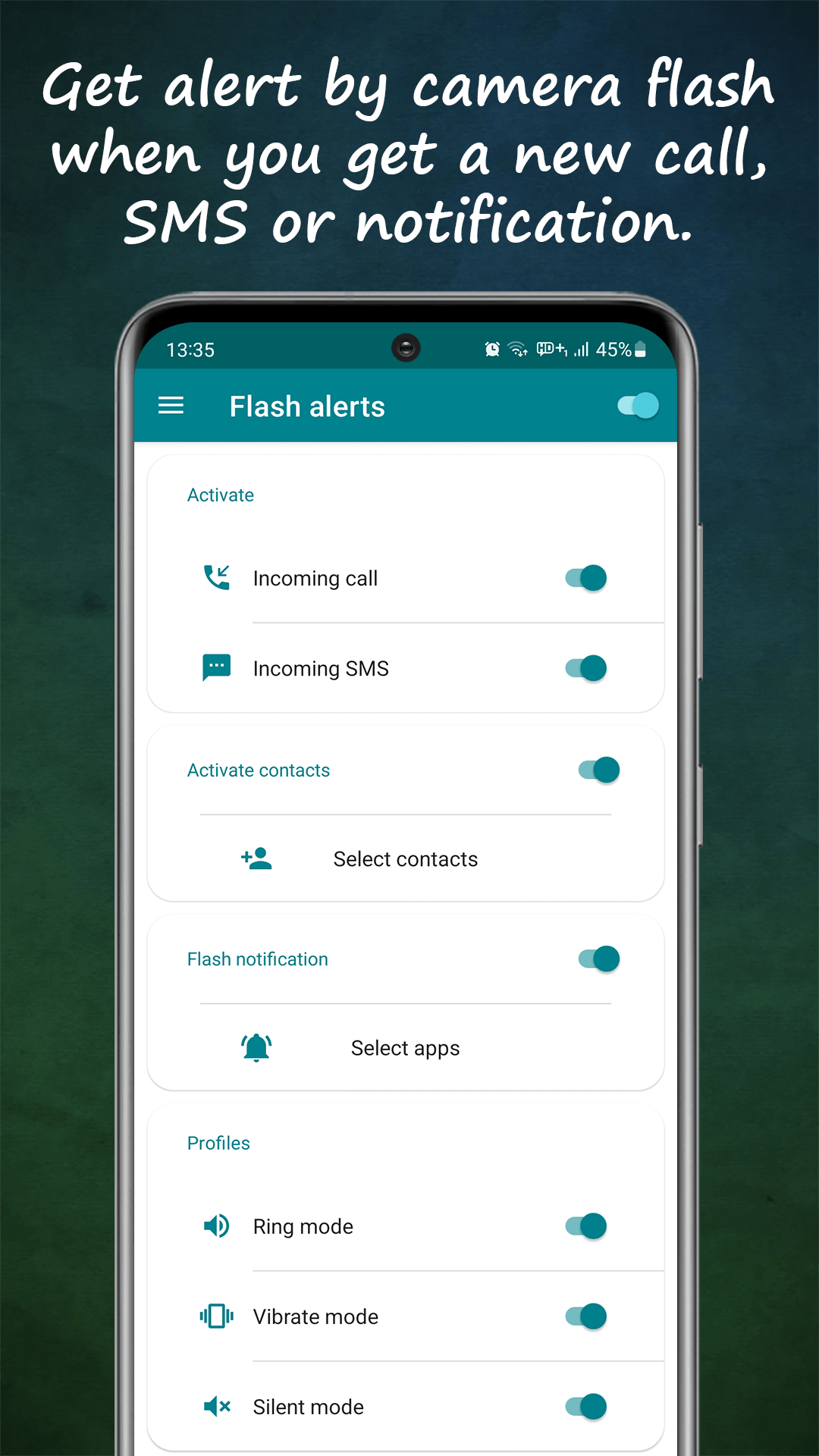
Flash Alert home screen with flash-on-call, SMS and notification toggles enabled
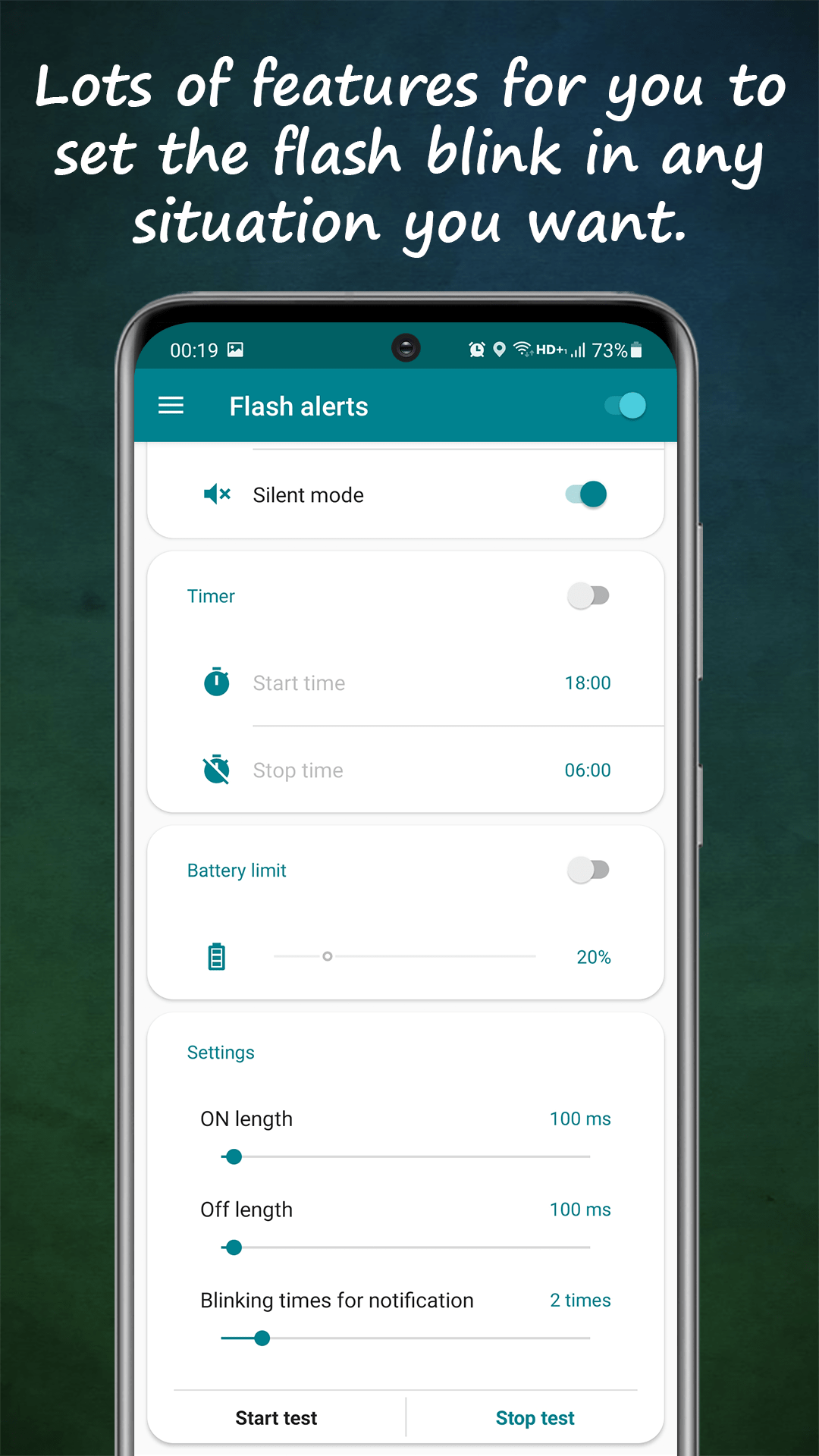
Customizing LED blink length and frequency for incoming calls
Flash on calls, SMS & apps
Custom blink patterns
Per-contact & per-app rules
Battery-saver aware

HOW IT WORKS

Set up in three steps

01

Install & pick your triggers

Download free from Google Play, then choose what fires the flash: incoming calls, SMS, or notifications from any apps you select.

02

Tune the blink

Set blink length, frequency and patterns per trigger — subtle double-blink for texts, continuous flashing for calls. Works in ring, silent and vibrate mode.

03

Stay in control

Schedule quiet hours so the flash sleeps when you do, and let smart battery mode disable alerts automatically when power runs low.

Flash on call, SMS & apps

Bright LED blinks for calls, texts and any app's notifications.

Custom blink patterns

Control blink speed, length and frequency per alert type.

Contact-specific alerts

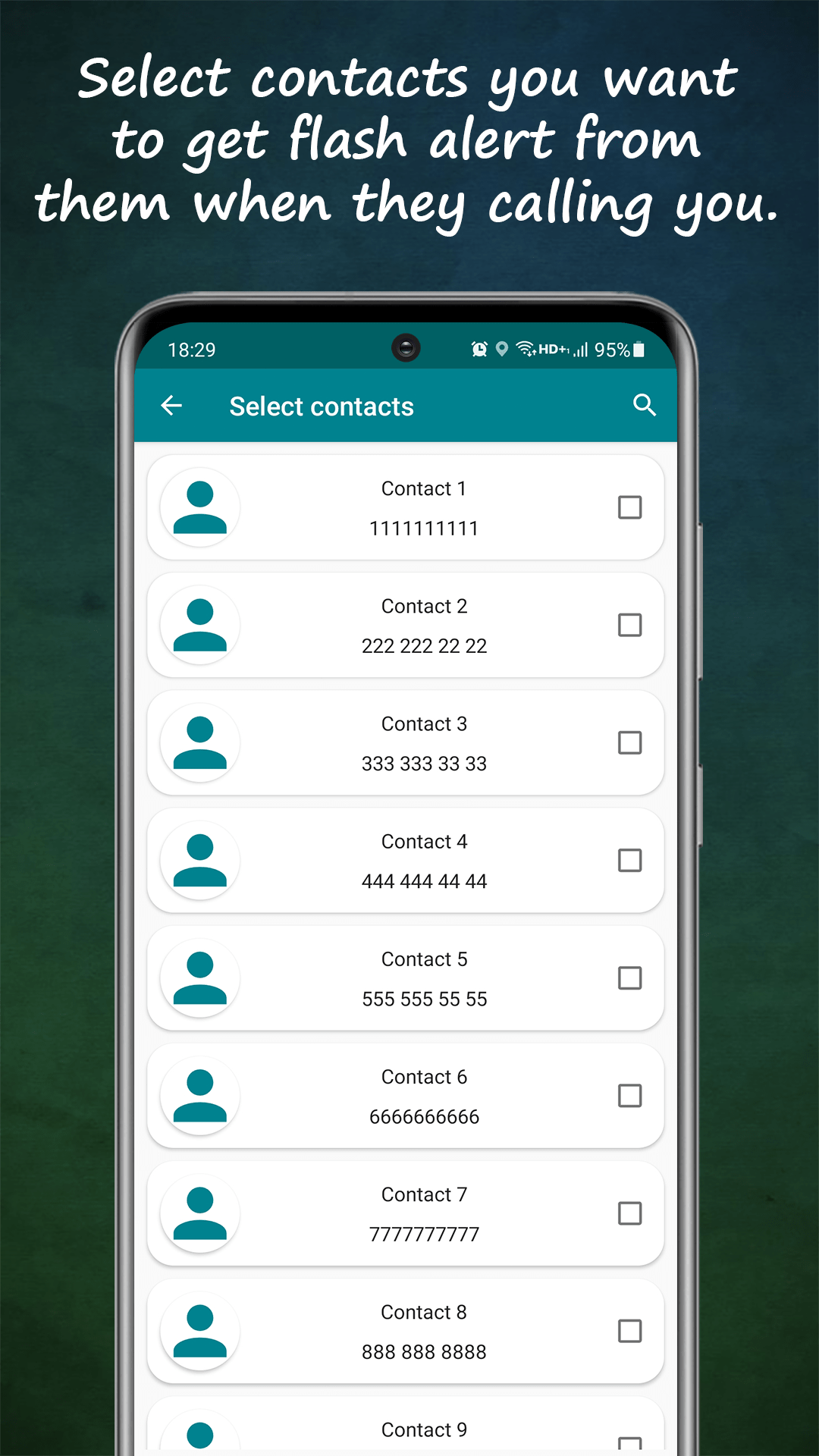
Flash only for the people who matter — pick contacts individually.

App-specific alerts

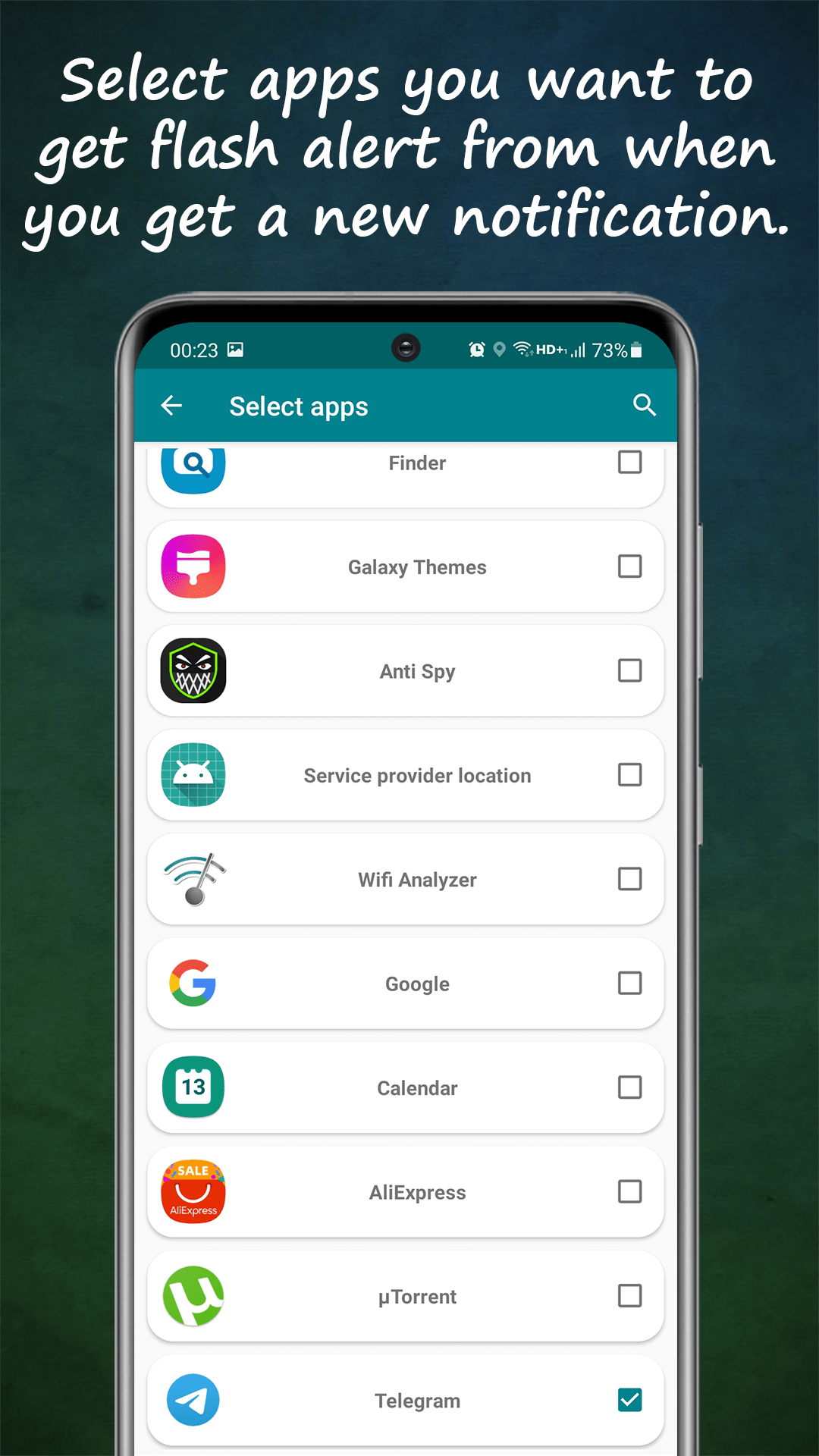
Choose exactly which apps trigger the flash — no notification spam.

Smart battery mode

Auto-disables flash alerts when your battery runs low.

Scheduled quiet hours

Set start and stop times so alerts pause during sleep or work.

FAQ

Frequently asked questions

How do I make my flash blink when my phone rings?

Install Flash Alert, enable Flash on Call, and your camera LED blinks for every incoming call — including in silent and vibrate mode. Blink speed and length are adjustable. Learn more →

Is a flash alert useful for deaf or hard-of-hearing users?

Yes — flash alerts give a bright visual signal for calls, texts and notifications without relying on sound, and per-contact patterns help identify who's calling at a glance. Learn more →

Can I get flash alerts only for certain contacts or apps?

Yes. Flash Alert lets you select specific contacts for calls and SMS, and specific apps for notifications — everything else stays silent. Learn more →

Will it drain my battery?

The LED only fires when an alert arrives, and smart battery mode automatically disables flash alerts below a battery level you choose.

Is Flash Alert free?

Yes — free to download on Google Play with optional premium features.

Read the full Google Play description
About Flash Alerts - Never Miss a Call or Notification Again! Are you missing calls, messages, or notifications because your phone is on silent? Need an extra layer of alertness in noisy environments or when you’re focused elsewhere? Flash Alerts is the perfect solution! With this app, your device's flash will blink for incoming calls, SMS messages, and notifications, ensuring you stay informed no matter the situation. Whether you’re in a meeting, at a concert, or simply have your phone in vibrate mode, Flash Alerts provides a bright and effective LED flash alert system that’s customizable to your needs. Top Features of Flash Alerts Customizable Flash Modes + Configure the app to work in ringing, silent, or vibrate modes. + Set the flash blinking length and frequency for calls, SMS, and notifications. Personalized Contact Alerts + Choose specific contacts to trigger the flash alert for incoming calls or SMS. Never miss an important message or call again! App-Specific Alerts + Select any app to activate the flash on notification feature. Stay on top of what matters most. Smart Battery Optimization + Automatically disable flash alerts when your battery is running low, conserving power for critical moments. Scheduled Flash Alerts + Define start and stop times for flash alerts to avoid interruptions during sleep or work hours. Advanced Customization + Adjust the "turn-on" and "turn-off" times for the LED flash, tailoring it to your preferences. + Set custom blinking patterns for text messages and notifications. Why Choose Flash Alerts? Be Visible in Any Environment: Whether you're in a dark room or a loud concert, the bright LED flash ensures you won’t miss important alerts. Perfect for Silent Mode Users: Flash Alerts works seamlessly when your phone is in silent or vibrate mode, giving you a visual alert. Highly Versatile and Useful: From flash on call to flash on SMS, this app provides functionality for daily life and emergencies. Who Should Use Flash Alerts? Silent Mode Users: For those who often keep their phones silent, this app is a must-have. Hearing-Impaired Individuals: Provides a visual way to stay connected without relying on sound. Busy Professionals: Stay informed about urgent calls or notifications without disturbing your surroundings. Additional Benefits Universal Compatibility: Works with all apps that send notifications. Low Battery Usage: Optimized to work efficiently without draining your phone’s battery. What Makes Flash Alerts Stand Out? This isn’t just another flash alert app. It’s your personal assistant for managing calls and notifications visually. From flash on notification for social media apps to flash alerts for specific contacts, this app is built to adapt to your lifestyle. Why Wait? Get Started Now! Experience the ultimate flash on call and SMS app. Don’t miss out on the alerts that matter most to you! Our app uses advanced flash alert LED flashlight technology to deliver bright blinking notifications. With flash on call, flash on SMS, and flash on notification, we make sure you’re always connected and informed. With its bright LED alerts, customized settings, and power-saving features, Flash Alerts is the go-to app for anyone who values staying connected without disruptions. Use it and make your notifications impossible to miss!

Make every alert impossible to miss.

Free · Works in silent mode · Custom patterns

Get it on Google Play