
The camera flash is visible across a room, works face-up or face-down (light reflects off surfaces), and can't be slept through the way a soft buzz can. Android's built-in accessibility flash (Settings → Accessibility → Flash notifications) is a start, but treats every alert identically — you know something happened, never what.
Flash notifications for deaf and hard-of-hearing users
Vibration only works when the phone touches you. Across a room, on a desk, charging overnight — sound and vibration both fail, and a bright LED blink becomes the most reliable alert channel there is. Here's how to build a complete visual notification system.
01Why the LED beats vibration
02Build a pattern language
Flash Alert's per-type patterns turn blinks into information. A workable setup:
- Calls: continuous fast blinking — urgent, keeps going until answered
- SMS: three short blinks
- Priority apps (family group chat, work): double blink
- Everything else: no flash at all
Within days the pattern reads instantly, the way a ringtone once did.
03Make important people unmissable
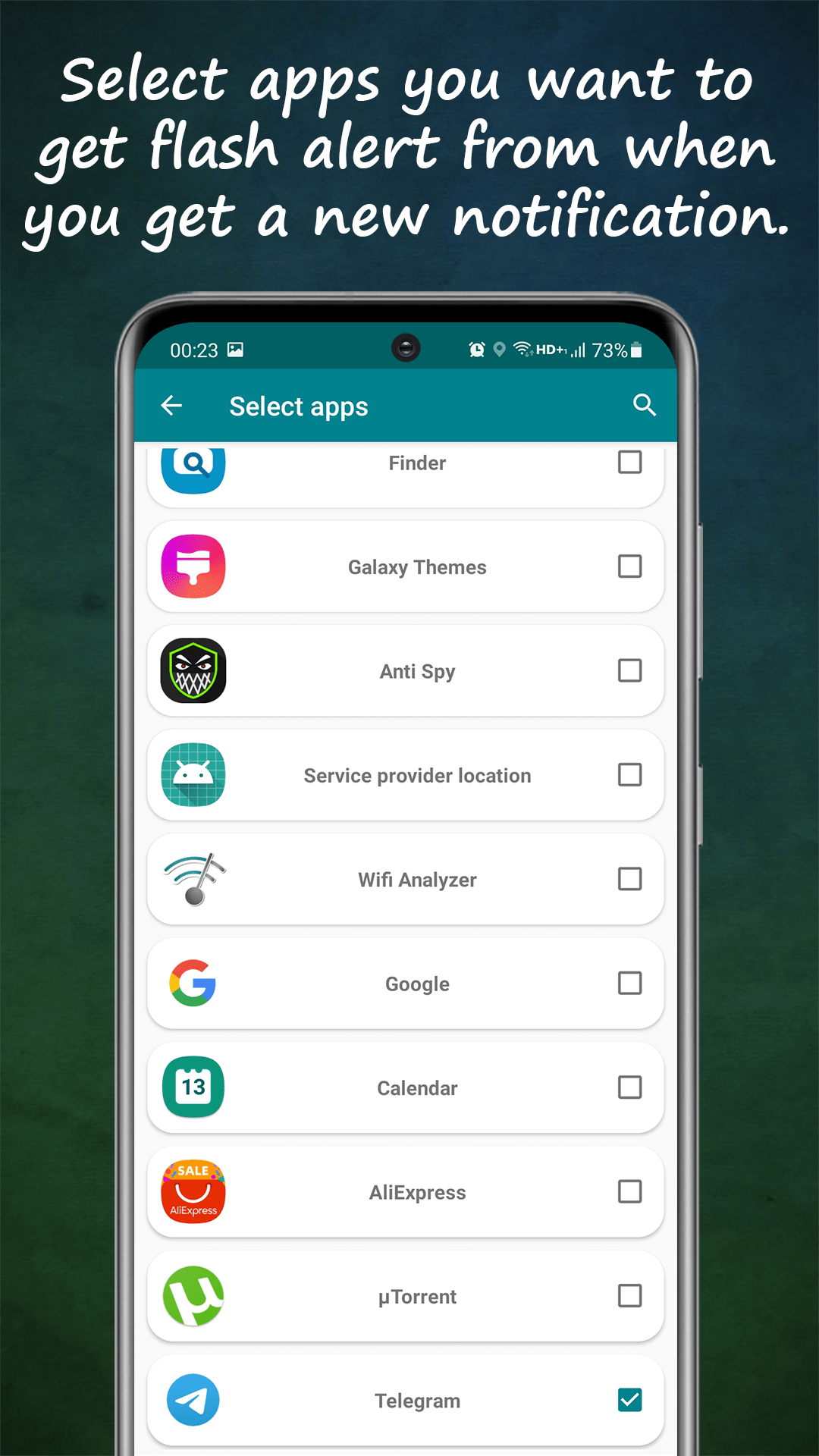
Contact-specific alerts mean the flash can fire only for the people who matter most — a partner, kids' school, a caregiver — so a blinking LED always deserves attention. Combined with app-specific selection, notification spam never reaches the flash at all.
04Practical settings that matter daily
Schedule quiet hours so the flash doesn't light the bedroom overnight (or leave it on, if calls must wake you — the choice is per-schedule). Smart battery mode suspends flashing when power runs low. And test placement: face-down on a desk, the reflected flash is often more visible across a room than face-up.