
Recent Android versions include a basic flash notification: Settings → Accessibility → Flash notifications (Samsung: Accessibility → Advanced settings → Flash notification). It blinks the camera light for calls and notifications. Worth enabling — but it's all-or-nothing: no per-contact rules, no custom patterns, limited control over when it fires, and on many devices it's missing entirely.
How to make your flash blink when your phone rings
Phone face-down in a meeting, buried in a bag, or ringing silently across a loud workshop — the LED on the back of your phone can be the alert that actually reaches you. Two ways to set it up, from basic to fully custom.
01Check the built-in option first
02Set up Flash Alert for full control
Flash Alert works on any Android phone with a camera LED and makes the blink behave the way you want:
- Install and open Flash Alert
- Enable Flash on Call (add SMS and app notifications if you like)
- Choose the modes it works in — ring, vibrate and/or silent
- Test it with the built-in preview and adjust
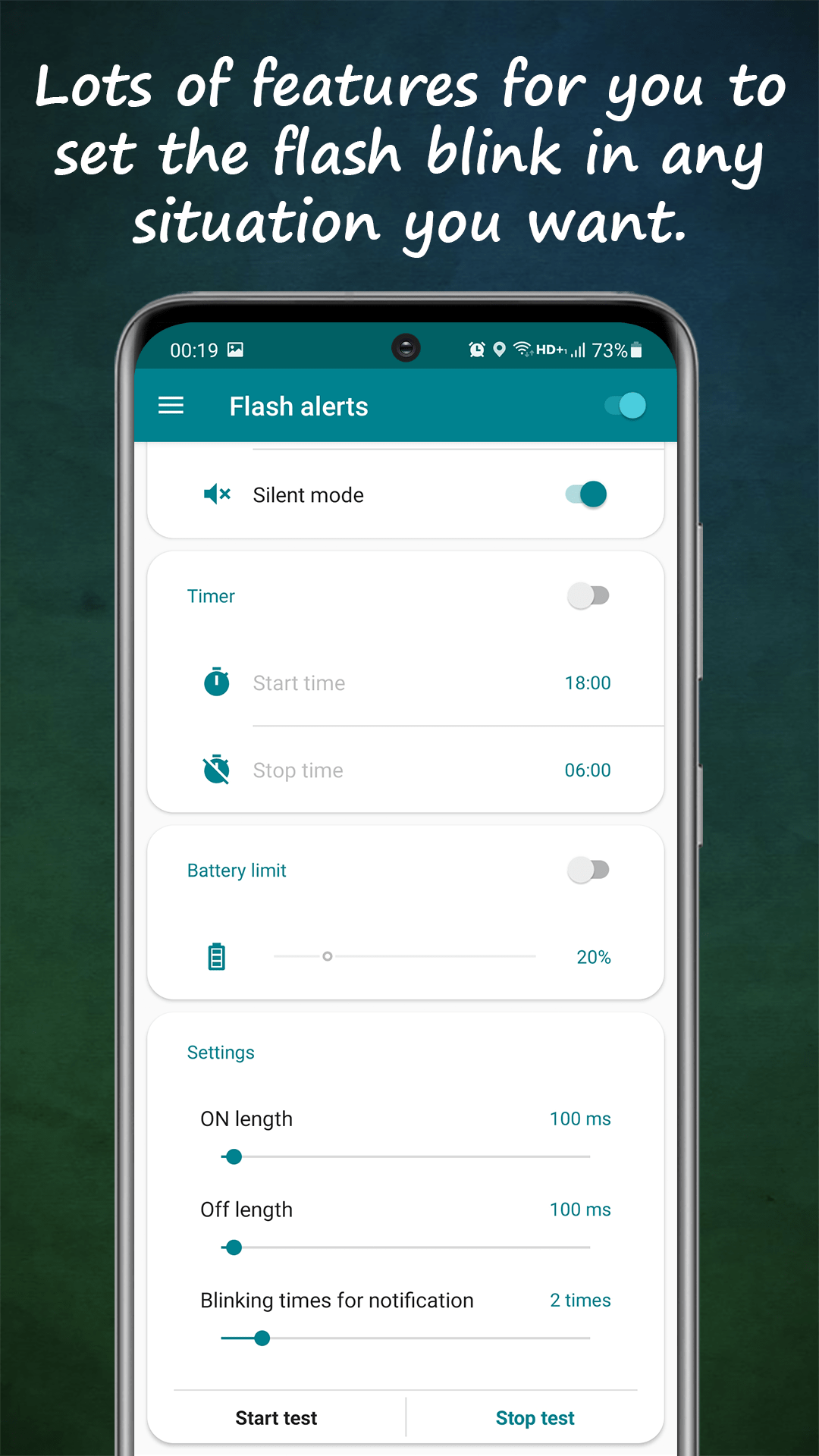
03Tune the blink so it works for you
A useful flash alert is one you notice without it annoying everyone else. Set a longer, continuous blink for calls (they last until answered) and a short double-blink for texts. Adjustable turn-on/turn-off times control the rhythm precisely — fast strobe for urgency, slow pulse for subtlety.
04Make it fire only when it should
Blinking at 2 a.m. helps nobody. Schedule quiet hours (say 23:00–07:00), let smart battery mode suspend alerts when power dips, and restrict flash to silent/vibrate mode only — so when the ringer is on and audible, the LED stays quiet.