
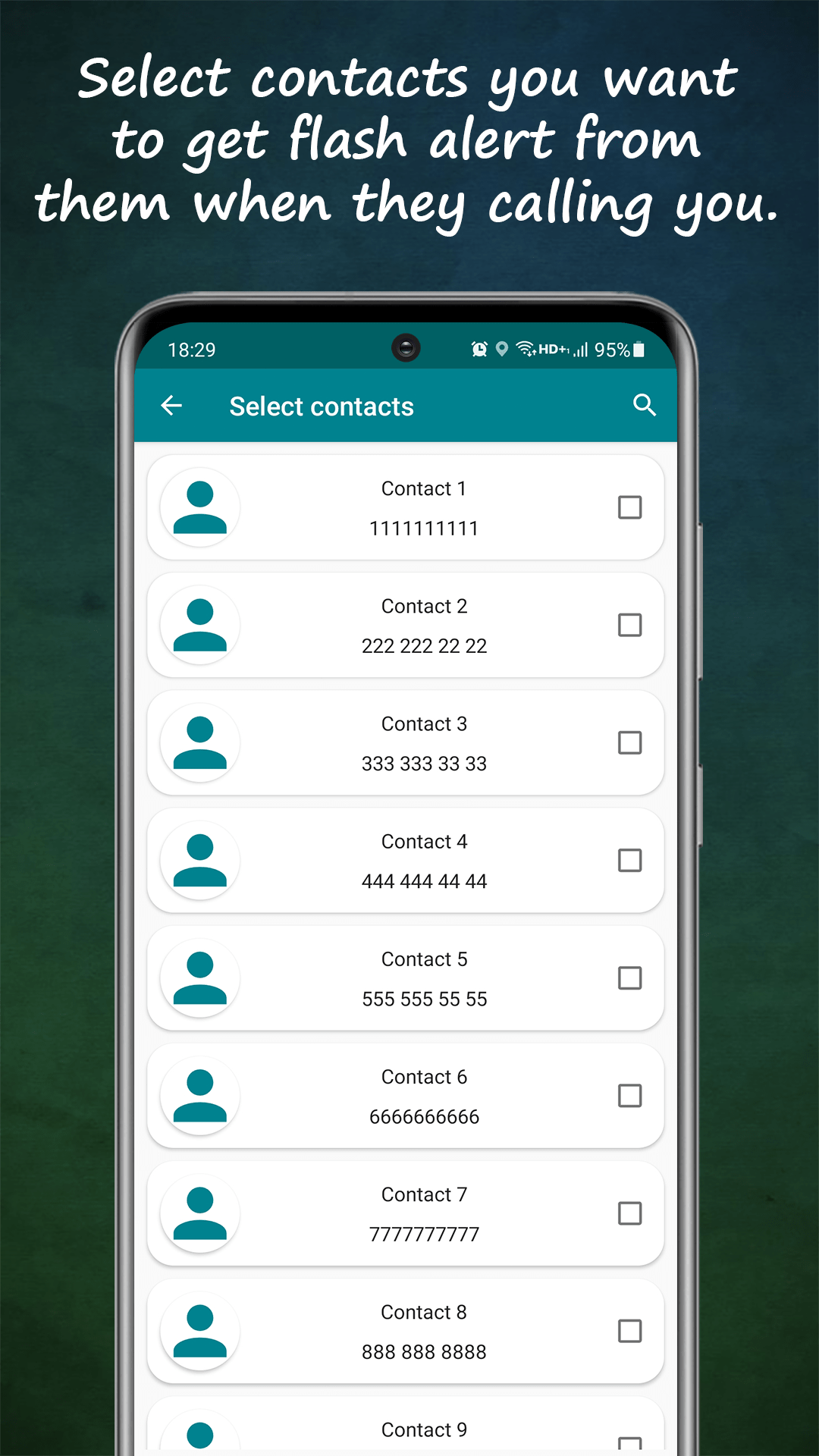
In Flash Alert's contact settings, select the people whose calls and texts should trigger the flash — family, close friends, your boss, the school. Unknown numbers and everyone else still ring or vibrate normally; they just don't command the light. It's the visual equivalent of a VIP ringtone.
How to get flash alerts only for the contacts and apps that matter
A flash that blinks for everything is as useless as a ringtone that never stops. The point of a visual alert is signal — and signal comes from filtering. Here's how to make the LED fire only for what actually matters.
01Choose your flash-worthy contacts
02Pick apps, not app noise
The app selector works the same way for notifications: enable your messengers or anything genuinely time-sensitive, and leave promotions, games and social feeds unselected. A good rule — if you wouldn't want it waking you, it doesn't get the flash.
03Layer in time and battery rules
Filtering by who and what pairs with when: scheduled start/stop times keep the flash dark during meetings or sleep, and smart battery mode suspends alerts below your chosen charge level. The result is a flash you never need to silence manually.
04Different blinks for different meanings
Finally, give each remaining trigger its own pattern — long continuous blinks for calls, short bursts for texts, a double-blink for app notifications. Once filtered and patterned, one glance at the LED tells you who wants you and how urgently, without touching the phone.