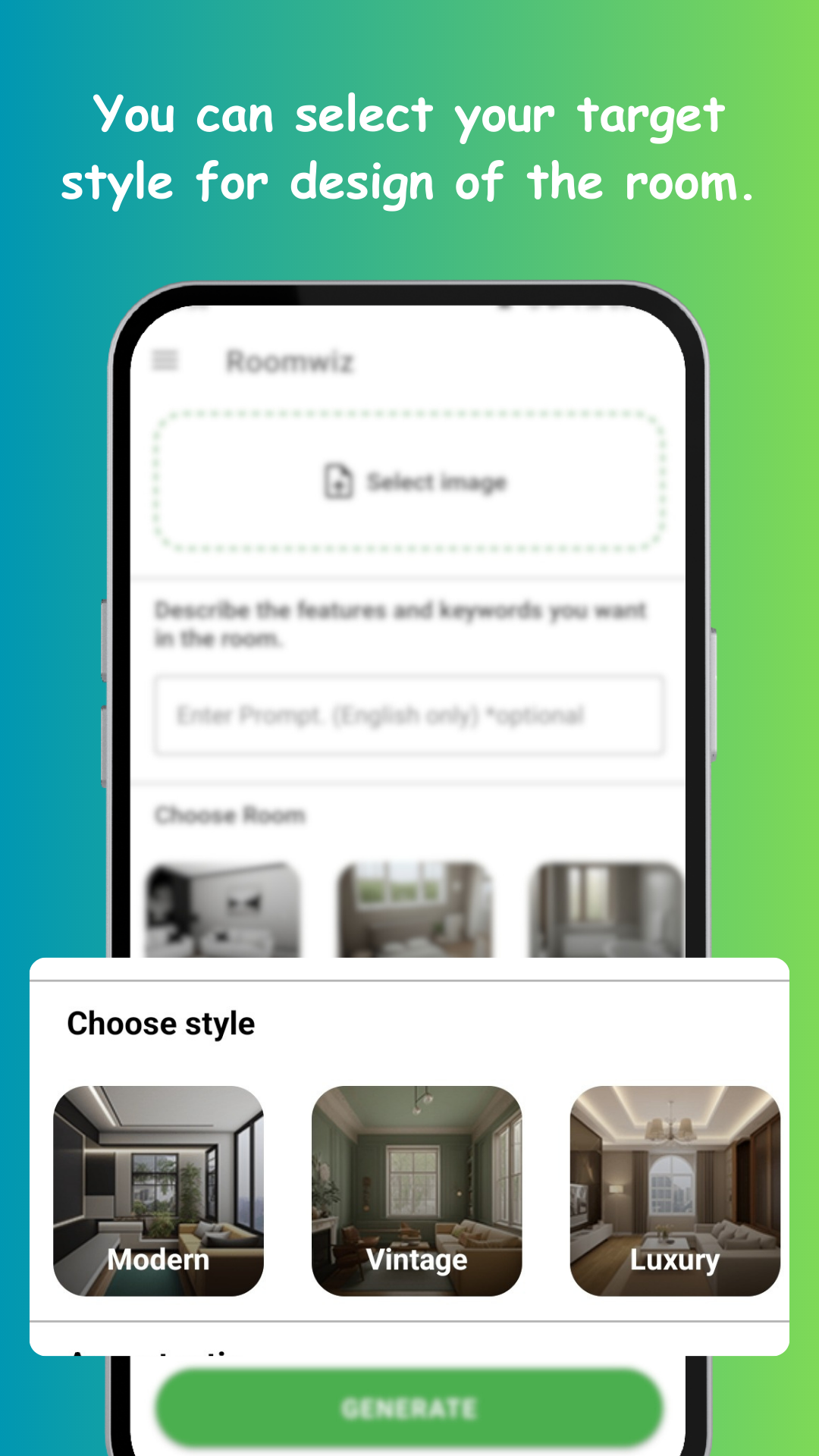
Style names are slippery — everyone's "modern" is different, and a style that stuns in a loft can die in a small bedroom. The reliable test isn't a quiz or a mood board: it's seeing each style rendered onto your own four walls, side by side.
- Modern: clean lines, neutral base, statement pieces, open surfaces
- Minimalist: modern taken further — fewer objects, calm palette, storage hidden
- Mid-century: warm woods, organic curves, retro-futurist chairs, mustard and teal accents
- Vintage: patina and character — layered textiles, antique pieces, warm lighting
Real rooms usually blend two; knowing your dominant one is what matters.
Upload one good photo, then generate a batch per style, changing nothing else. In ten minutes you're comparing four versions of your room. Reactions are usually immediate — a style you admired online can feel wrong on your proportions, and an unconsidered one can click instantly.
Once a base style wins, use the preferences field to pull in what you liked from the losers: "minimalist, but walnut mid-century sideboard and warm brass lighting". Concrete nouns steer best. This is how you land on the blend that decorators would call "your" style — by iteration, not vocabulary.
Save your winning generations and extract the repeatable rules they show: the palette, the wood tone, the level of clutter, the shapes of furniture. Those four decisions — applied to every future purchase — are what keep a room coherent long after the app is closed.