
In a cabin, the microphone hears mostly your own stereo — a feedback loop that makes noise mode fight itself. Speed is the honest signal: road and wind noise scale predictably with velocity, so GPS speed is a clean proxy for how much volume you actually need. That's exactly how factory speed-compensated systems work.
How to make music volume increase with driving speed
Luxury cars have had speed-compensated volume for years: faster means more road noise, so the stereo compensates. Your phone has GPS and your music — which means your car can have it too, whatever its age.
01Why speed-based beats noise-based in a car
02Set up Speed mode
- Choose Speed mode and your unit — km/h or mph
- Set the speed range: the low end where volume starts rising (e.g. 20 km/h) and the top where it maxes out (e.g. 100 km/h)
- Set the volume range to taste
- Press play, drive, and let it ride the curve
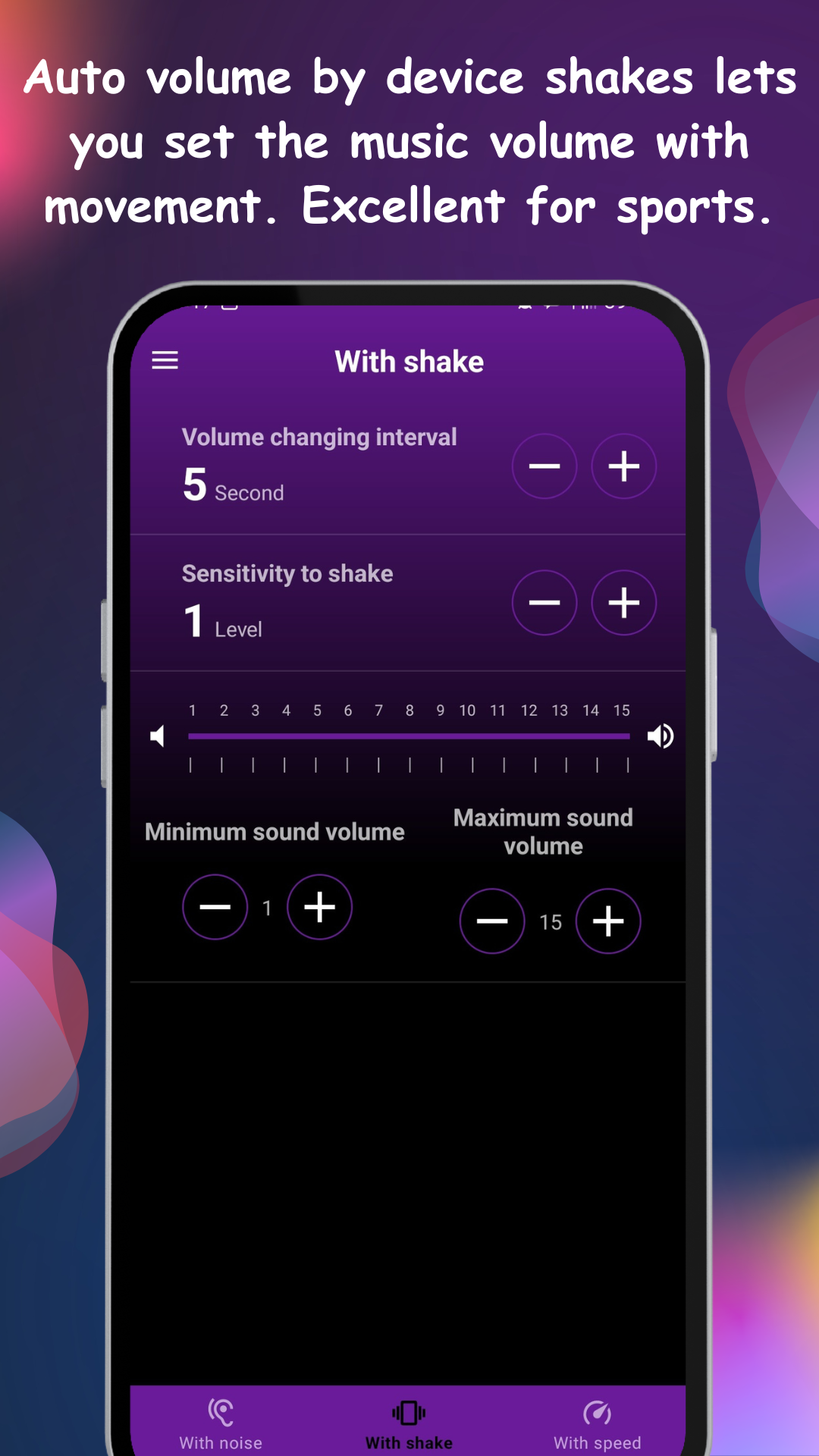
03Dial it in on one test drive
Two adjustments cover most cars. If volume maxes out too early, raise the top speed threshold — max volume should coincide with your usual highway cruise. If city driving pumps the volume at every light, raise the bottom threshold so stop-and-go stays flat. The live volume readout in the notification bar makes tuning easy at a glance (while parked, please).
04Works over Bluetooth and cables alike
Autoboost adjusts the phone's media volume, which flows through whatever route your audio takes — Bluetooth head unit, AUX or USB. One tip for Bluetooth: set the car stereo's own volume to a fixed comfortable level and let the phone do the dynamic part; two volume controls fighting each other helps nobody. Cyclists get the same benefit on the bars — wind noise scales with speed there too.